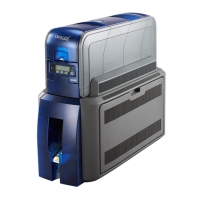
2 SD460 SLM Laminating System
SD460 Laminating System Quick Install Guide
1. Select a Location for the System
• Install the system in a location that is clean and well
ventilated, free of vibration or shock.
• For venting and clearance, choose an area that’s large
enoughforyoursystemconguration.Refertothe
SD460 site requirements in the printer’s Installation and
Administrator’s Guide.
• Do not install the printer in direct sunlight.
• Install the system in a location that has access to an
AC outlet and a network port (if you are using a network
connection).
Refertotheprinter’sInstallation and Administrator’s
Guide found on the Owner’s Library CD that ships
with the printer for detailed installation instructions.
Thelatestrmwareanduserdocumentationfor
your SD460 system is available for download at
www.datacard.com.




 To Next Page