21
Device
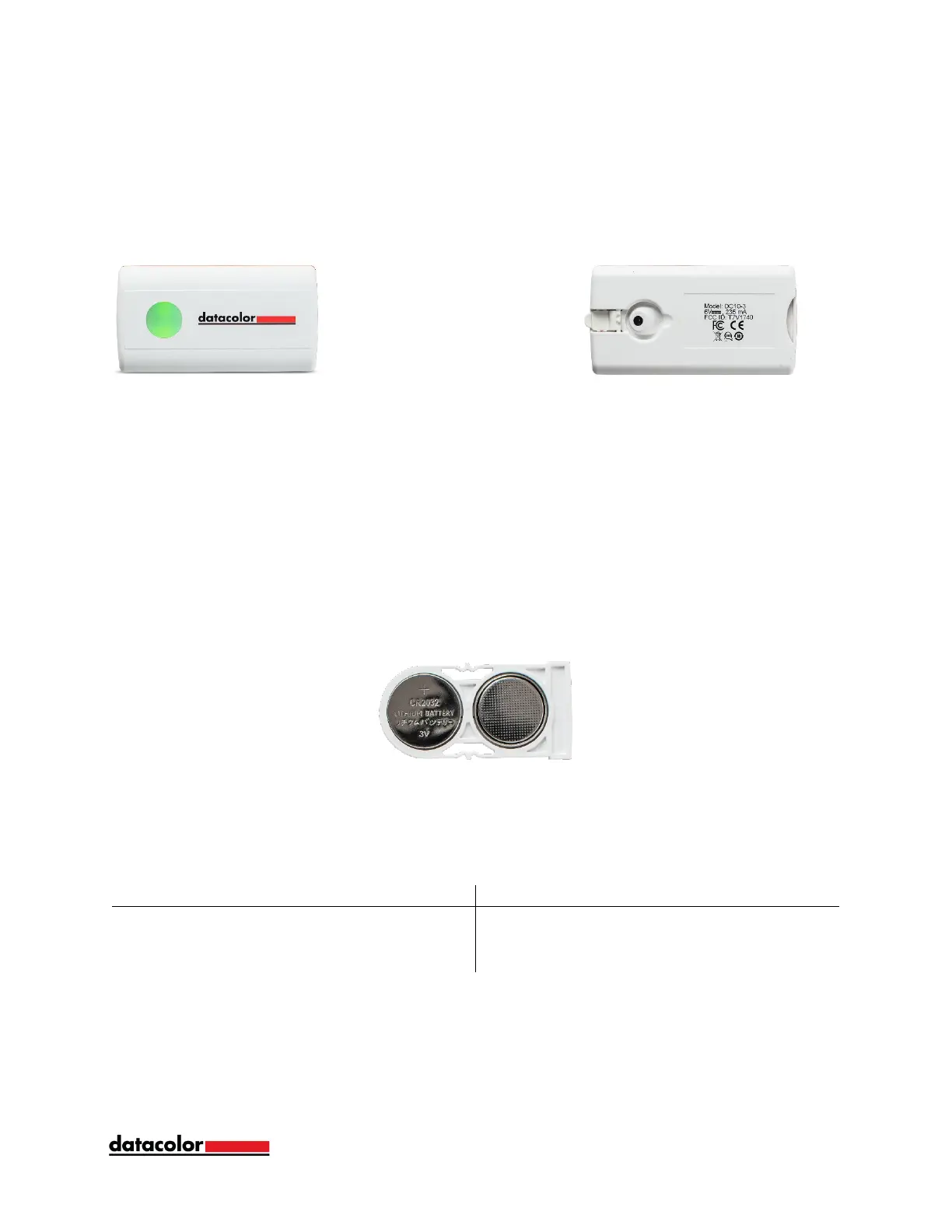
Controls & Indicators
On Button/Read Button Aperture & Calibration Flip Tile
On Button
Press the button on the device to activate.
Battery Information
Datacolor ColorReader EZ is equipped with two replaceable CR2032 lithium batteries.
With fresh batteries, the device is good for 300 measurements.
To replace:
• Pull out the battery tray inserted in the back end of the device.
• Remove the old batteries and replace with two new CR2032 lithium batteries.
• Push the battery tray back into the device until it is locked in place.
LED Indicator
An LED indicator identifies the current state of the unit:
Sleep Mode
Datacolor ColorReader EZ will power off to sleep mode when it is inactive for more than
5 minutes.
When the device is in sleep mode and you try to access to it through the mobile
application, it will ask you to wake the unit. Press the button on the unit.



 To Next Page