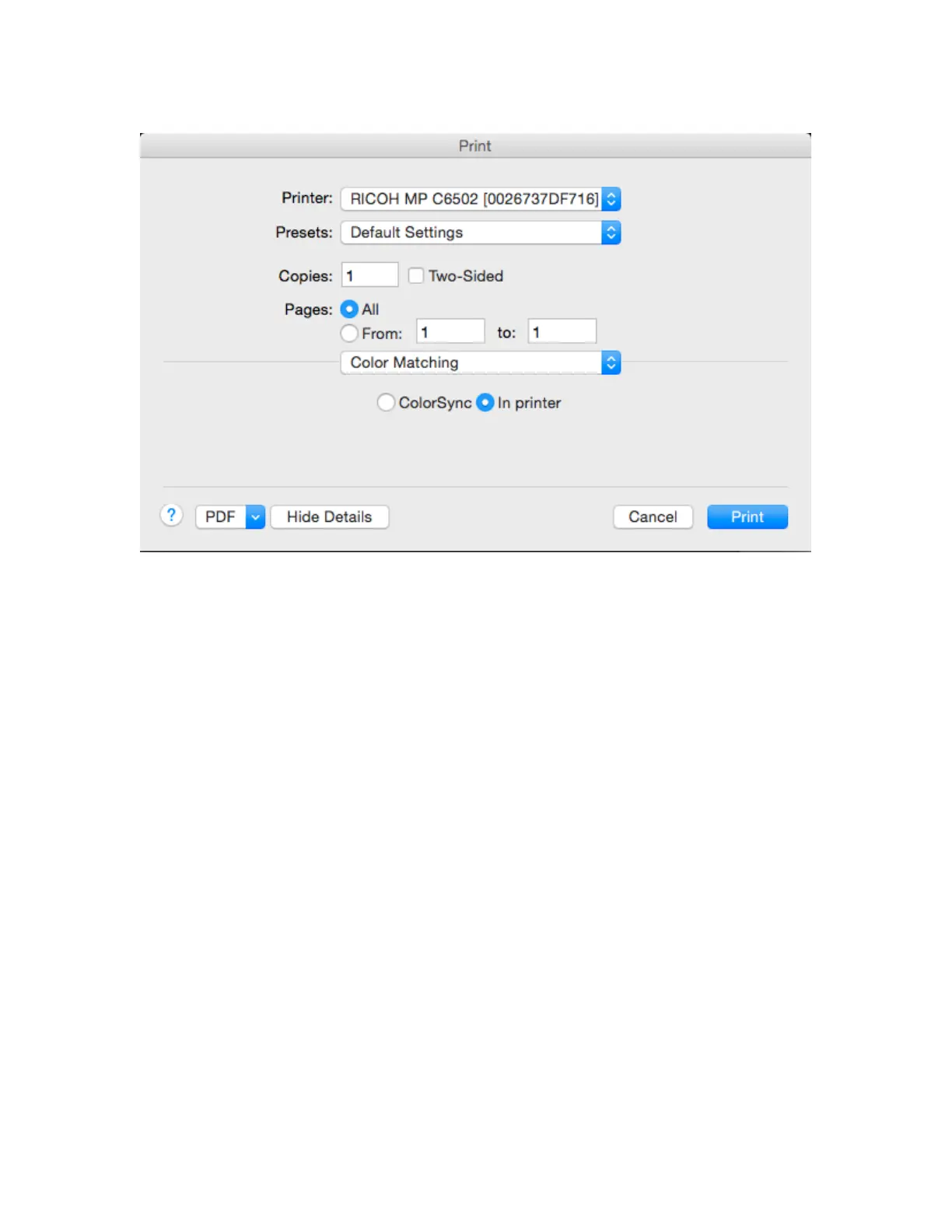
(Macintosh)
Once color management has been turned off, proceed to print the pages of the
target.
There is an option, when printing multiple target sheets, to print either all sheets,
or just one at a time. To print your targets one sheet at a time, use the small
target preview in the Wizard screen to switch to the page you want to print; then
click the Print Target button and tell it to only print “One” sheet. Repeat this
process for each sheet in the target.
With multi-sheet targets, each sheet will be automatically labeled with a page
number. You must measure the sheets in the proper order to build a correct
printer profile.
We recommend that you let the target sheets dry for at least 15 minutes after
printing. Depending on the printer, paper, and ink set, you may want to wait
longer. Some inks “develop”, deepen and darken on certain papers more slowly,
and you don’t want to take measurements until (a) the ink is fully dried and won’t
smear during measurements, and (b) the color of the printed patches has locked
in and won’t change further.



 To Next Page