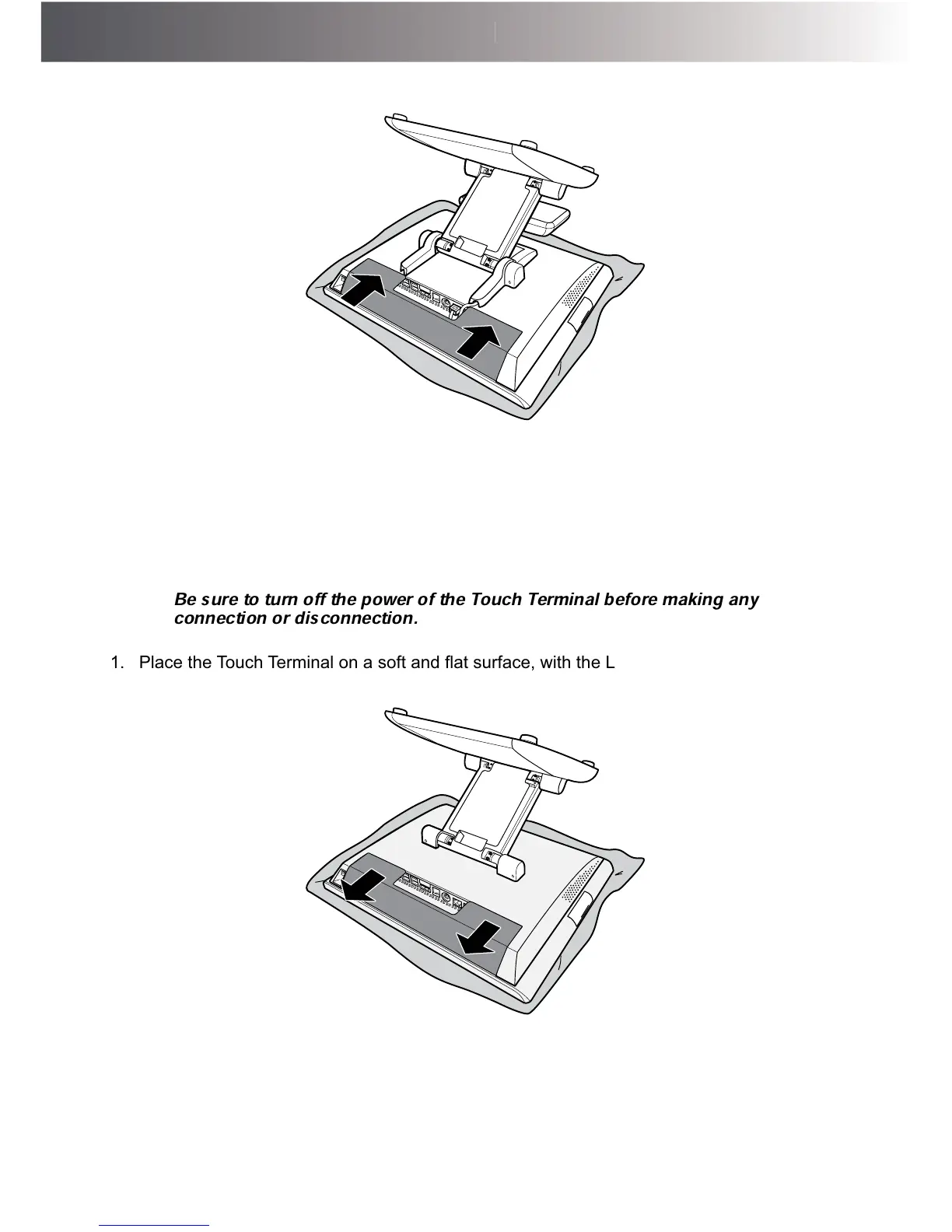
6. Align and install the connectors cover.
Installing the Secondary LCD Display (Optional)
WARNING:
Be sure to turn off the power of the Touch Terminal before making any
connection or disconnection.
1. 3ODFHWKH7RXFK7HUPLQDORQDVRIWDQGÀDWVXUIDFHZLWKWKH/&'SDQHOIDFLQJGRZQ
Remove the connectors cover.



 To Next Page