71
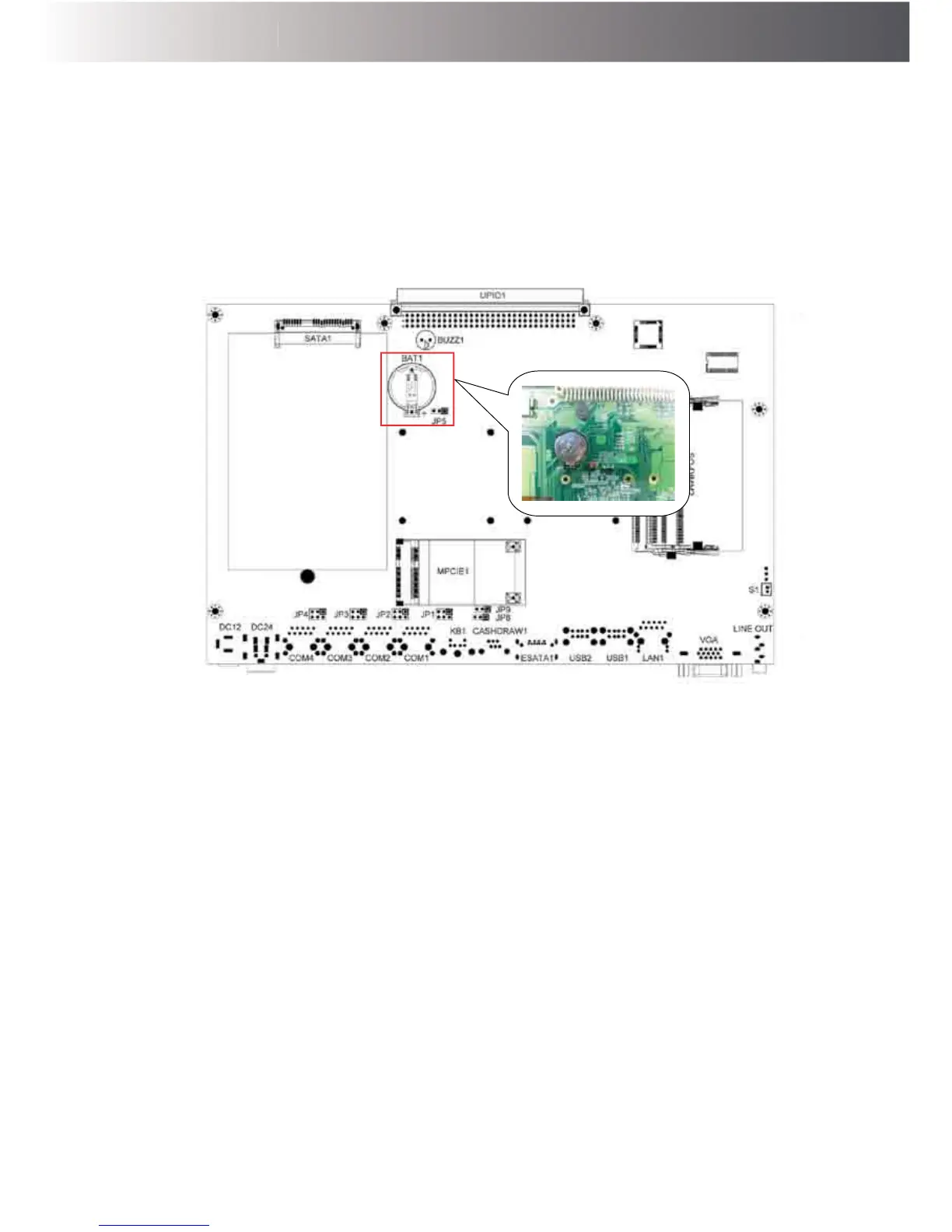
Question 2: How do I clear CMOS?
G-615
Answer: To clear CMOS, do the following:
1. Turn off power and pull out the power cord.
2. ,QVHUWWKHMXPSHUFDSWRFOHDU&0263,1DQGUHPRYHWKHMXPSHUFDSIURP
clear CMOS PIN.
3. Switch on the power again.
4. Press F2 to enter CMOS setting and load optimized defaults.
5. Save changes and reboot the system.



 To Next Page