34
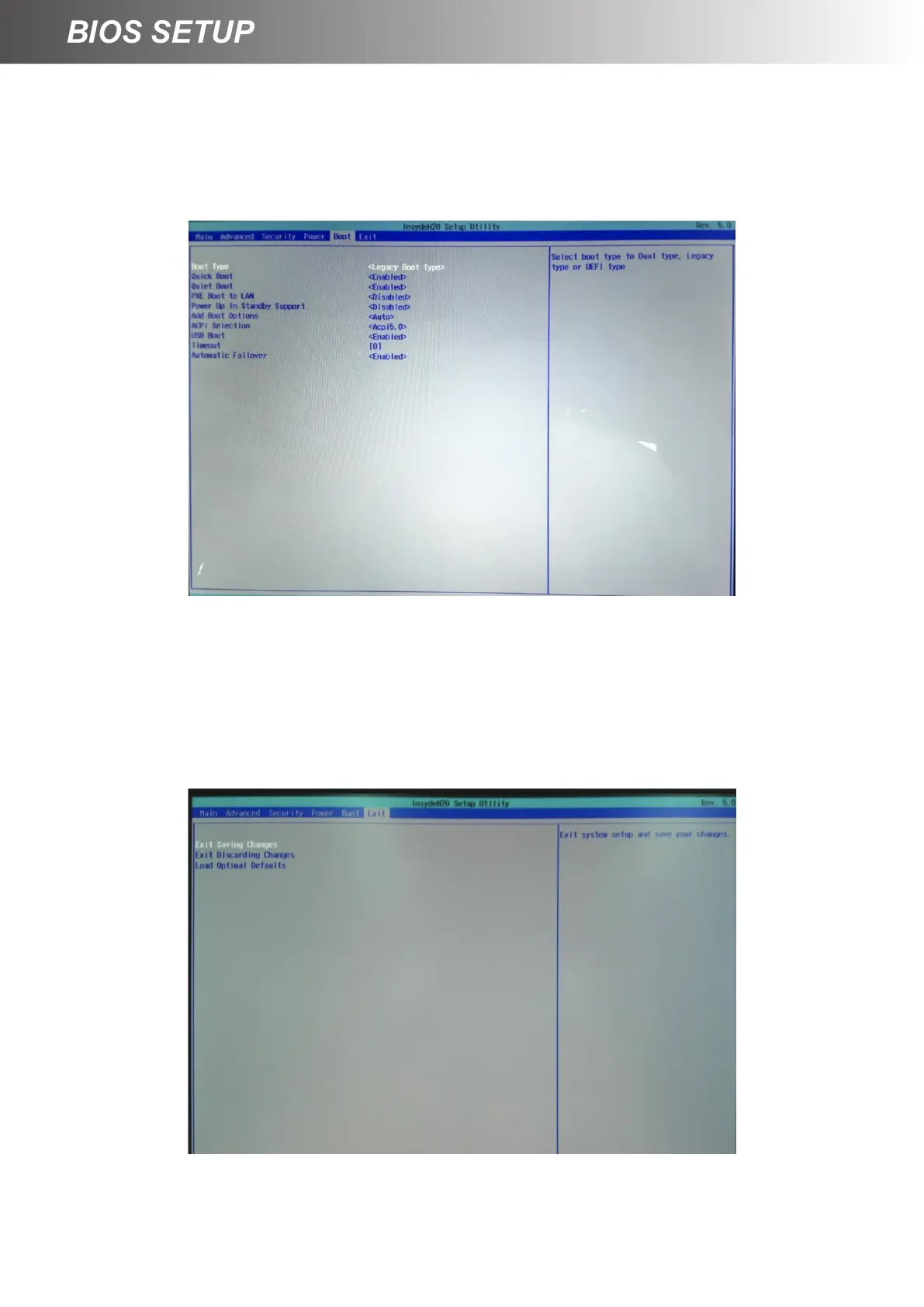
Boot Tab for setting Boot Type
1. Select <Boot> and then Set <Boot Type>.
2. Select <Legacy Boot Type> or <UEFI Boot Type>. Default setting is [Legacy Boot Type].
Save & Exit Tab
1. Select [Load Optimal Default], and then press [Enter].
2. Select [Exit Saving Changes], and then press [Enter].



 To Next Page