11
Powering ON/OFF Saturn POS
Power ON Saturn POS
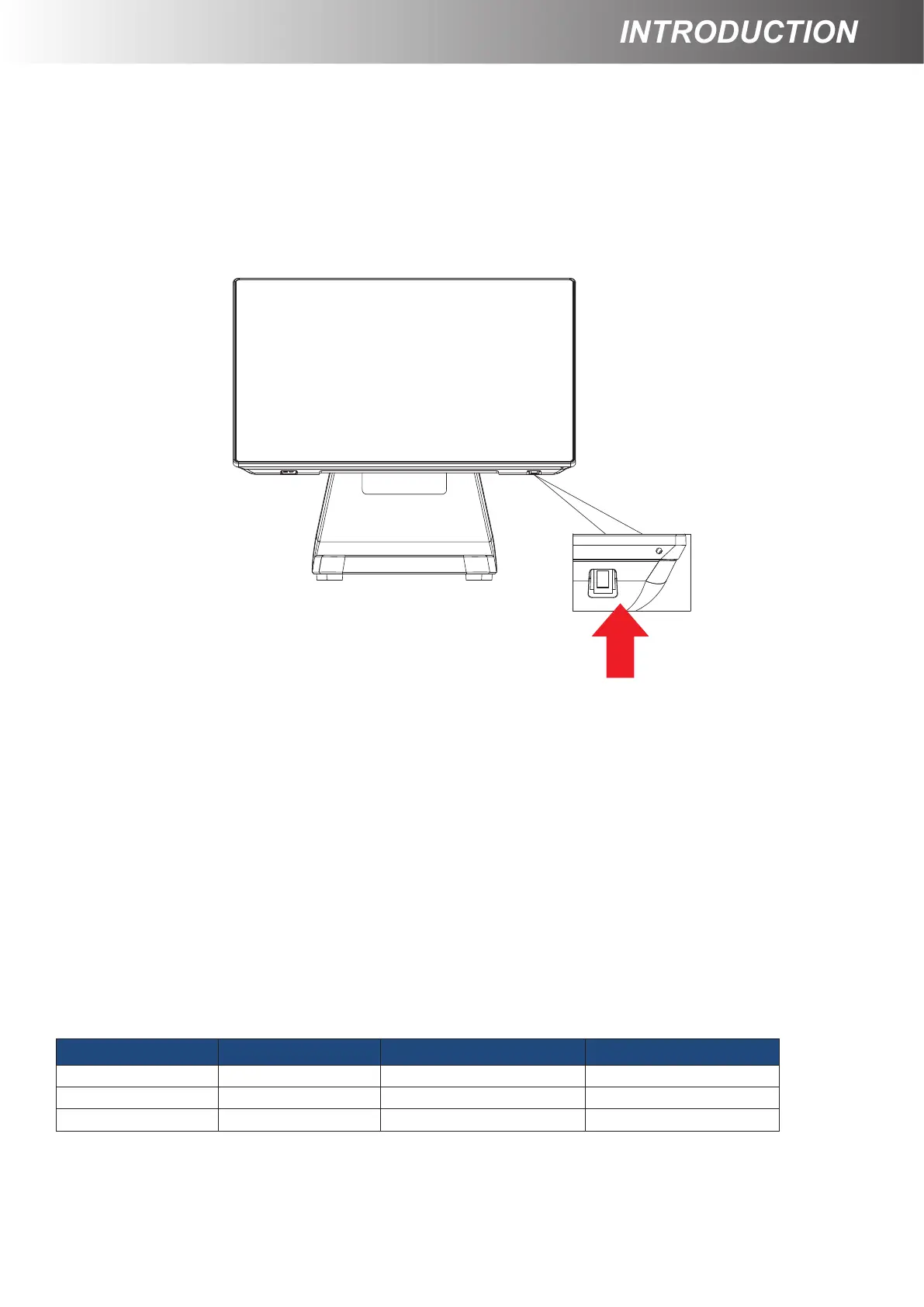
The power button is located at the bottom side of the back cover.
Press down the power button to power on the POS.
Power OFF Saturn POS
In most cases, press the power button of the POS to power the system off.
If the terminal fails to turn off the machine for unknown reasons, please be
advised to hold the power button more than 4 seconds to force a shutdown
of the system.
Status LED Indicator
LED status indicator, which is located at the bottom edge of the LCD panel, is mainly
responsible for notifying users of the current system status by emitting various LED signals. In the
chart provided below, it describes all the possible LED status as a quick reference.
LED Status System Status AC power adapter Description
OFF OFF OFF System power OFF
Green OFF ON System standby
Blue ON ON System power ON



 To Next Page