Need help?
Do you have a question about the Datavideo MCU-200S and is the answer not in the manual?
Details the ports and connectors on the rear panel of the MCU-200S.
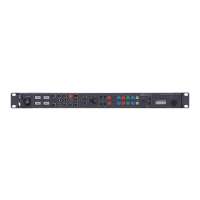
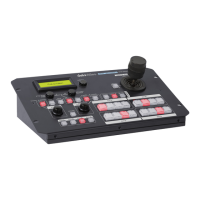
Details the front panel layout and the keyboard control guide of the MCU-200S.
Procedure for saving and loading camera settings between MCU-200S and a PC.
Step-by-step guide for updating the MCU-200S unit's firmware.
Instructions for updating the firmware of the AD-1S adapter.
 General
| Brand | Datavideo |
|---|---|
| Model | MCU-200S |
| Category | Control Unit |
| Language | English |


 To Next Page