37
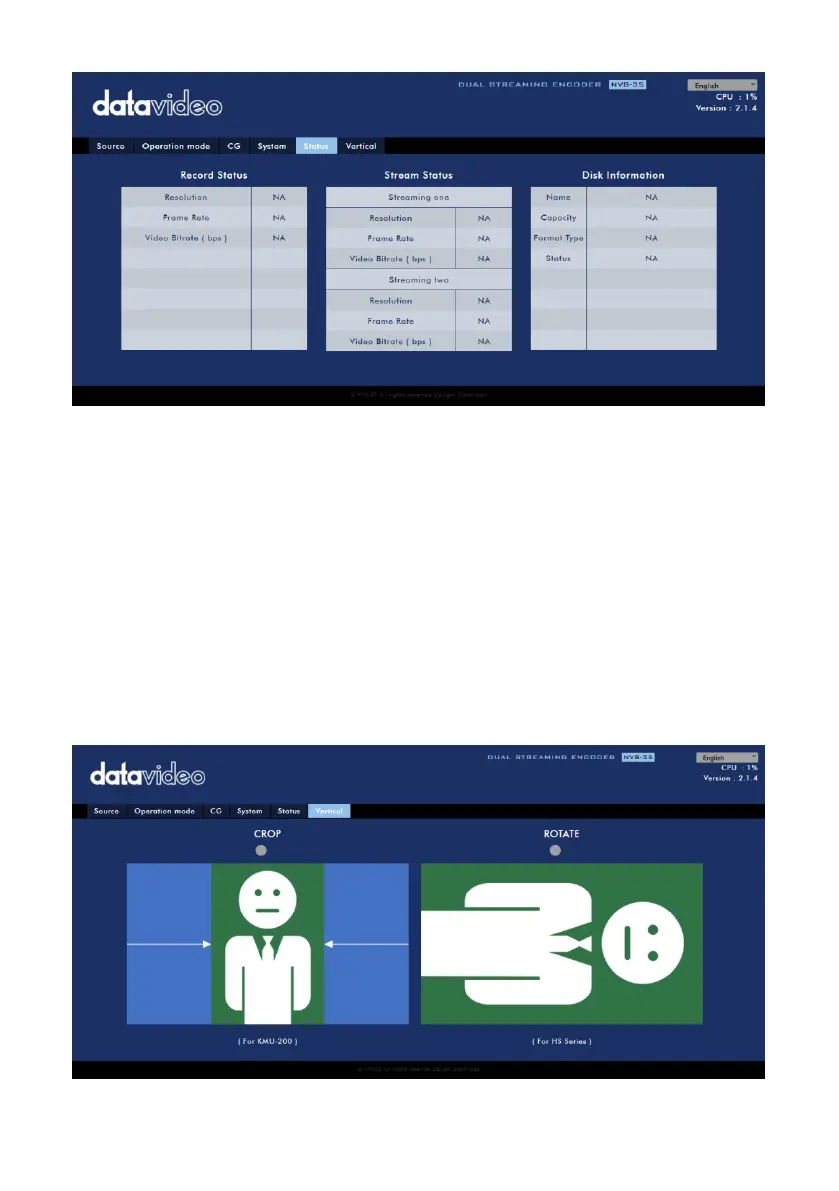
While monitoring streaming and recording, please update the page periodically
regardless of how you operate the device (using the device’s physical buttons only or
the device’s physical buttons along with the web UI). This ensures the information
page is always up-to-date.
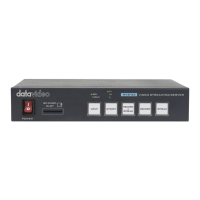
Vertical
On this page, you will be able to change your stream video orientation.
Crop allows 16:9 video output and left/right image crop.
Rotate is designed for video production; if the camera is placed upside
down, this mode will reverse it.


 To Next Page