49
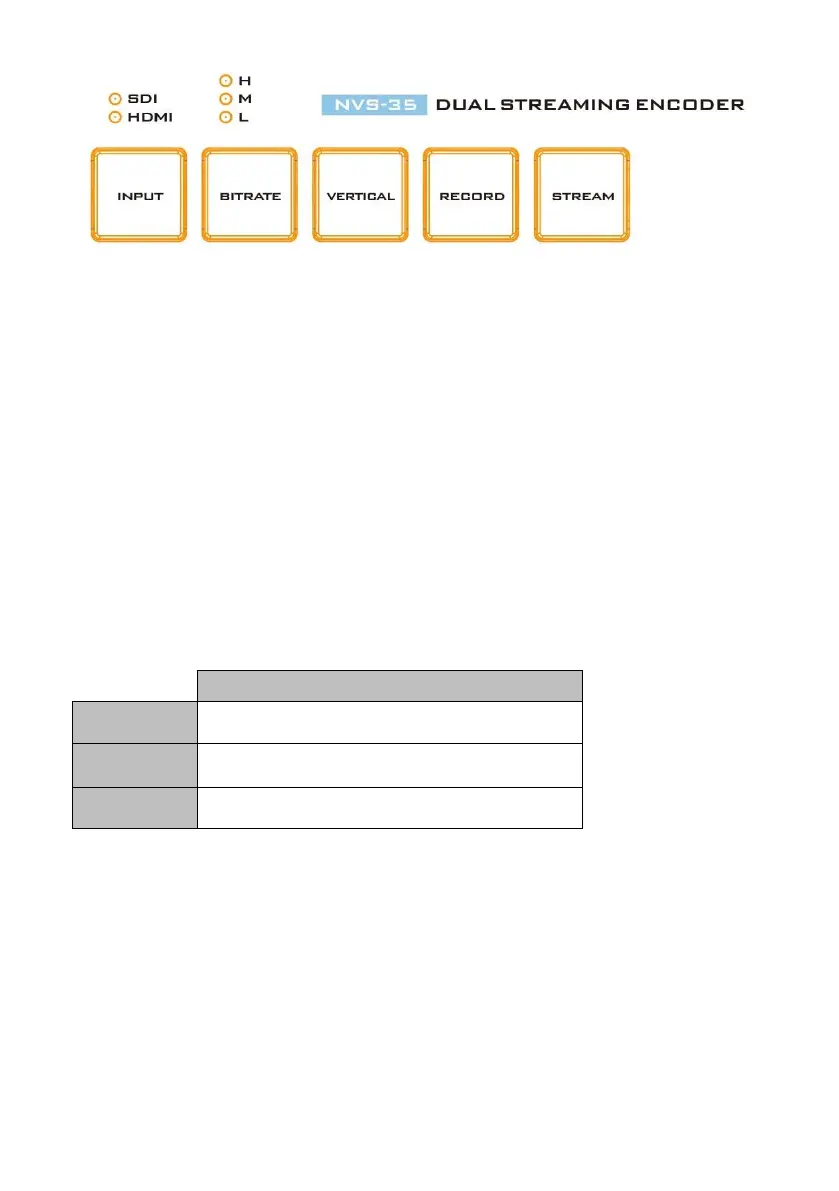
Input Button
Press the INPUT button to select between SDI and HDMI input sources. The button is
always in solid white.
The activated input source will be indicated by the LEDs above the button.
Green: Input source activated
Off: Input source deactivated
Note: The Input button is disabled while streaming or recording is in progress.
Record Button
Press the RECORD button to start/stop recording.
The table below summarizes the RECORD Button LED behaviors:
Record function in idle state
Record function is activating or resetting
Record function activated
Start recording
When idle, the RECORD button is solid white.
Press and hold the RECORD button for approximately 2 seconds.
When the record function is activating, the RECORD button turns from solid
white, then blinking red and finally to solid red.
When the RECORD button is solid red, this indicates that the record
function has been successfully activated.


 To Next Page