9
2 Connections and Control
In this section, we will show you how you can operate the device as well as the
device setup.
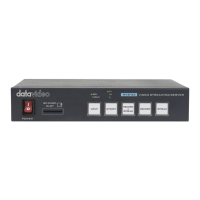
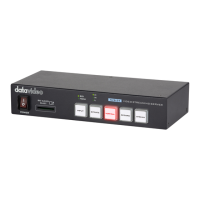
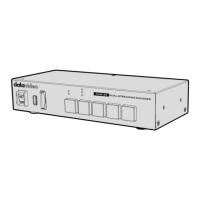
2.1 Front Panel
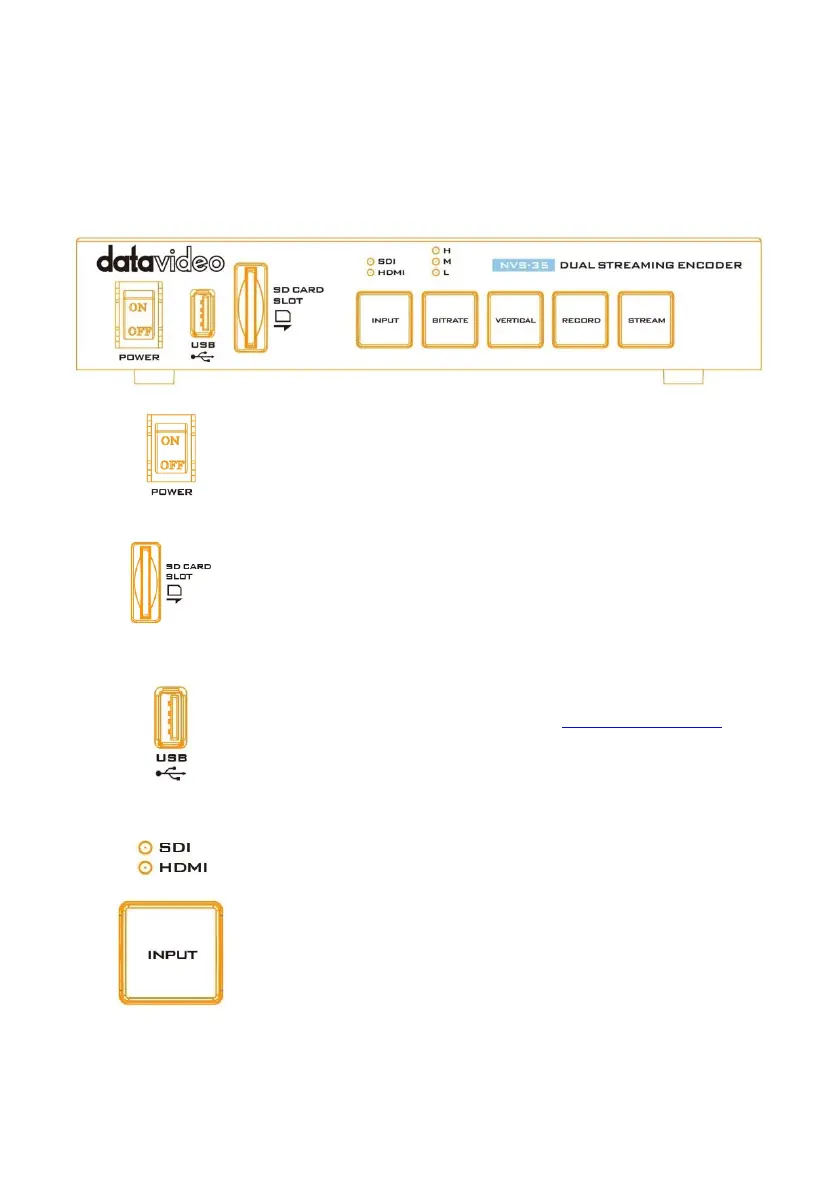
Power Switch
Turn on/off the device.
SD Card Slot
The SD Card Slot allows insertion of an SD Card for video
recording ONLY.
USB Port
For firmware update ONLY, see Firmware Upgrade for
details.
INPUT Button
Press the INPUT button to select between SDI and HDMI
input sources. The button is always in solid white.
The activated input source will be indicated by the
corresponding LED.
Green: Input source activated
Off: Input source deactivated
Note: The Input button is disabled while streaming or
recording is in progress.


 To Next Page