53
4 Firmware Upgrade
Datavideo usually releases new firmware containing new features or reported bug
fixes from time to time. Customers can either download the NVS-35 firmware as they
wish or contact their local dealer or reseller for assistance.
This section outlines the firmware upgrade process which should take 10 minutes to
complete.
The existing NVS-35 settings should persist through the firmware upgrade process,
which should not be interrupted once started as this could result in a non-
responsive unit.
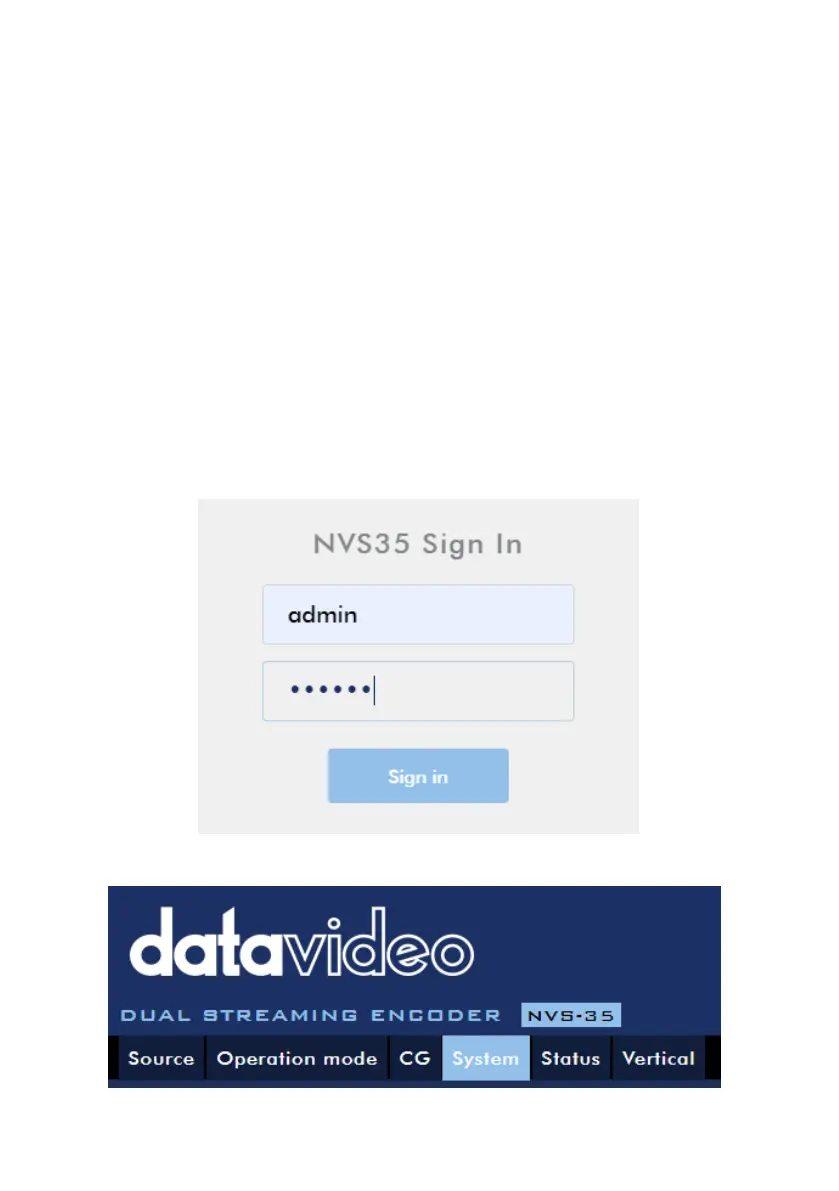
1. Log in the NVS-35 web interface with the following credentials:
Username: admin
Password: 000000
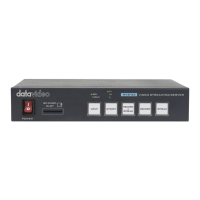
2. Click the System tab to open the system configuration page.


 To Next Page