47
Now, follow the steps below to set up the SRT traffic:
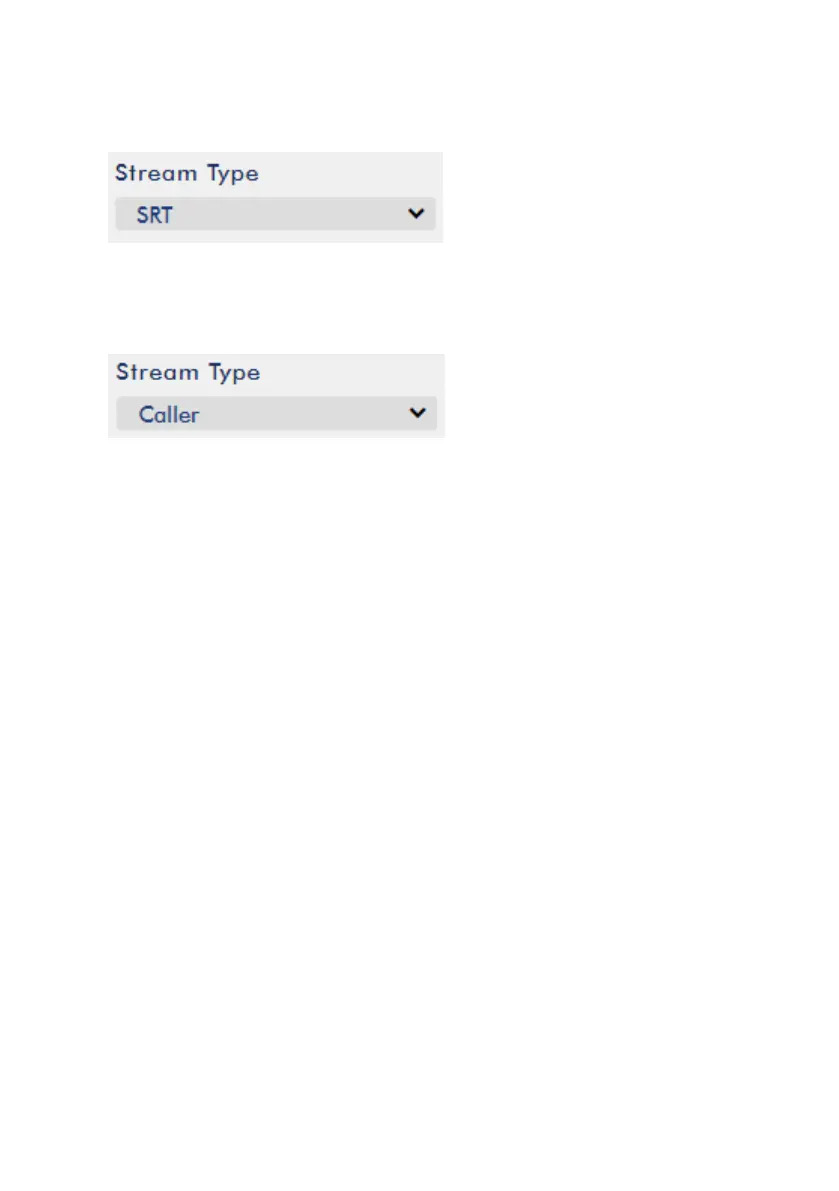
1. Select SRT from Stream Type drop-down menu.
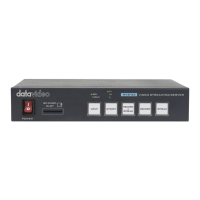
2. Scroll down to the bottom and locate a second Stream Type drop-down menu in
which you will be able to set the device to the Caller (source) or Listener
(destination) mode.
a. If Caller is selected, do the following:
In the IP Address and SRT Port fields, enter the IP address and the port
number of the destination device (decoder) respectively. If your SRT
stream destination is a CDN or media server, the IP address and the port
number should be provided by the service provider.
In the Latency field, enter the amount of latency to apply to the stream.
The default value is 1000 ms.
b. If Listener is selected, simply enter a port number that you intend to use on
this device for the SRT stream.
3. Click the Start Stream button to start the SRT stream.
Text Overlay Video
The NVS-35 video streaming server not only allows you to stream and record your
program, it also features a CG tool that is capable of overlaying text on the video
currently being broadcast.
The CG settings page is shown below:


 To Next Page