46
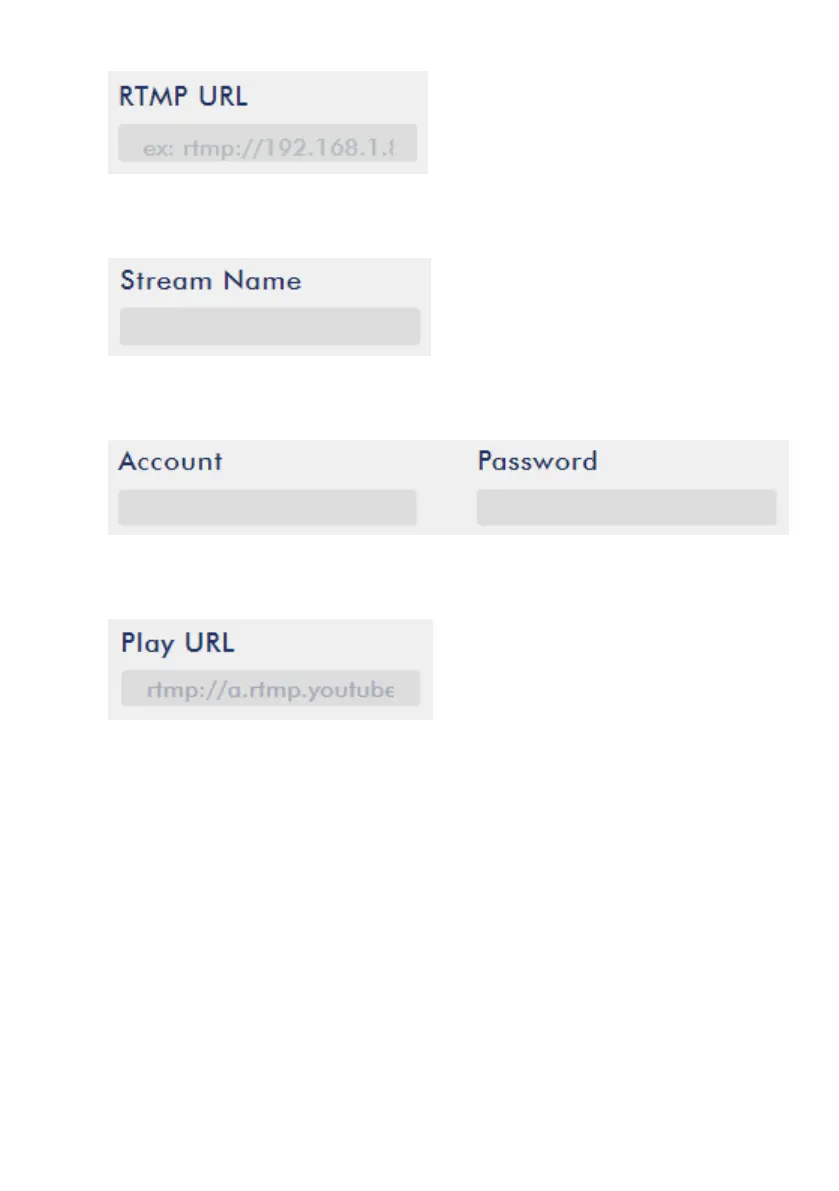
8. Enter the Stream name/key (yr69-4js9-yf3w-bg6m) obtained from the Youtube
Live Streaming page into the StreamName field.
9. As required by the live streaming channel, enter your Youtube account name
and password into the Account and Password fields.
10. Click the Start Stream button to start streaming the live video on the Youtube
Live Streaming page. You should also see an RTMP URL generated.
11. At this point, you should be able to view your stream video on Youtube.
12. To stop live streaming, simply click the Stop Stream button.
SRT
When setting up an SRT stream on NVS-35, you can configure it as an SRT source
encoder (caller mode) or an SRT destination decoder (listener mode).
To establish an SRT link between the source and destination devices, ensure that one
device is a Listener and the other is a Caller. The device you set as the caller or
listener is entirely arbitrary.
To access the device’s SRT settings, log in to the web UI, select the “Operation Mode”
tab, then click the “Stream” button to open the stream settings page.


 To Next Page