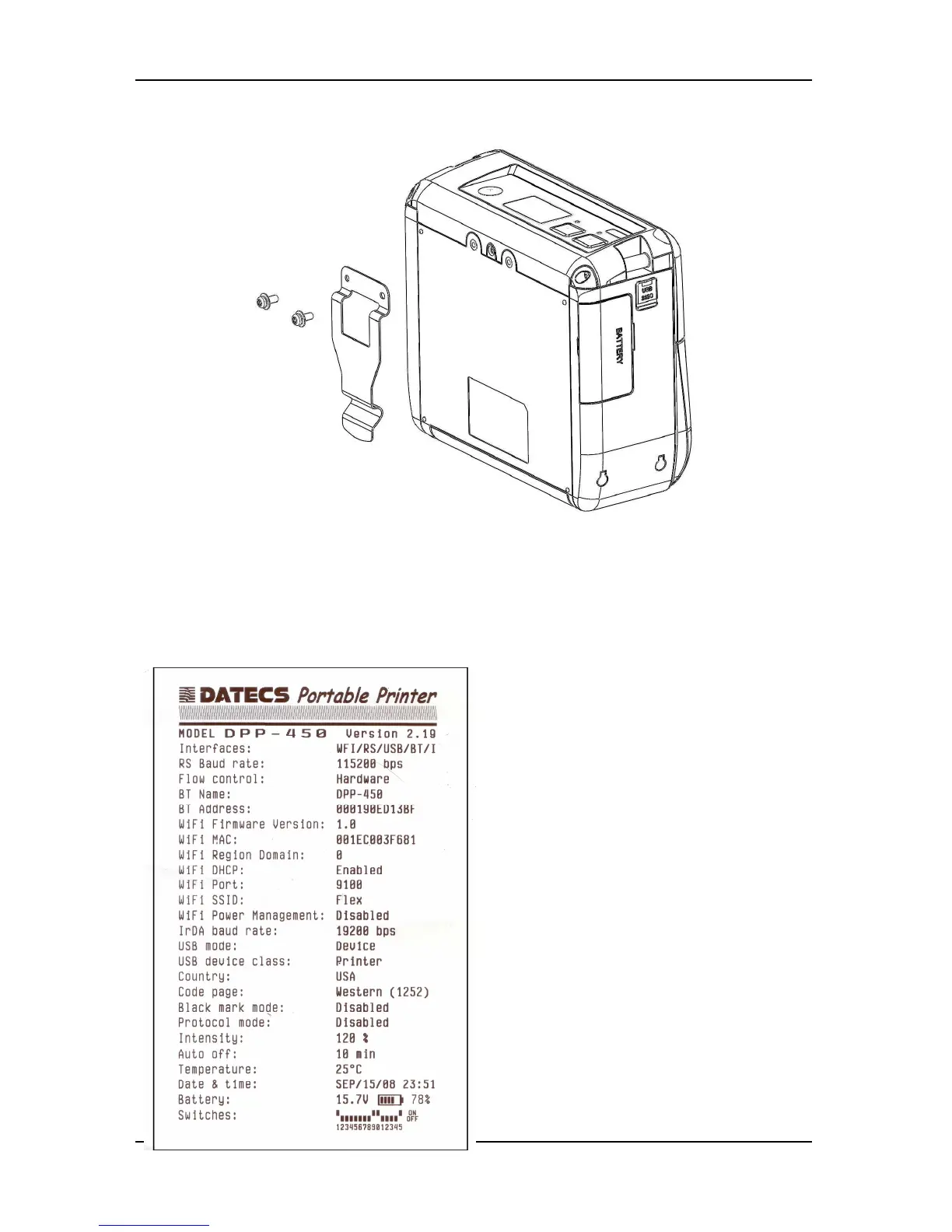
5.4 Mounting belt clip
Using two screws.
5.5 Self-Test
• Holding <LF> button while power on for ~ 0.5 sec (first sound signal) – short self-
test.
The DPP-450 has a built-in test
pattern that shows the printer’s current
configuration as well as the various
resident printer fonts. The self-test can
also be used as a troubleshooting tool to
determine printing problems or battery
level. The steps below show how the
self-test is printed activated.



 To Next Page