Bluetooth version:
The DPP-450 Bluetooth version uses Bluetooth® wireless technology to connect to
Bluetooth enable devices.
iOS devices:
Connect to LineaTAB.
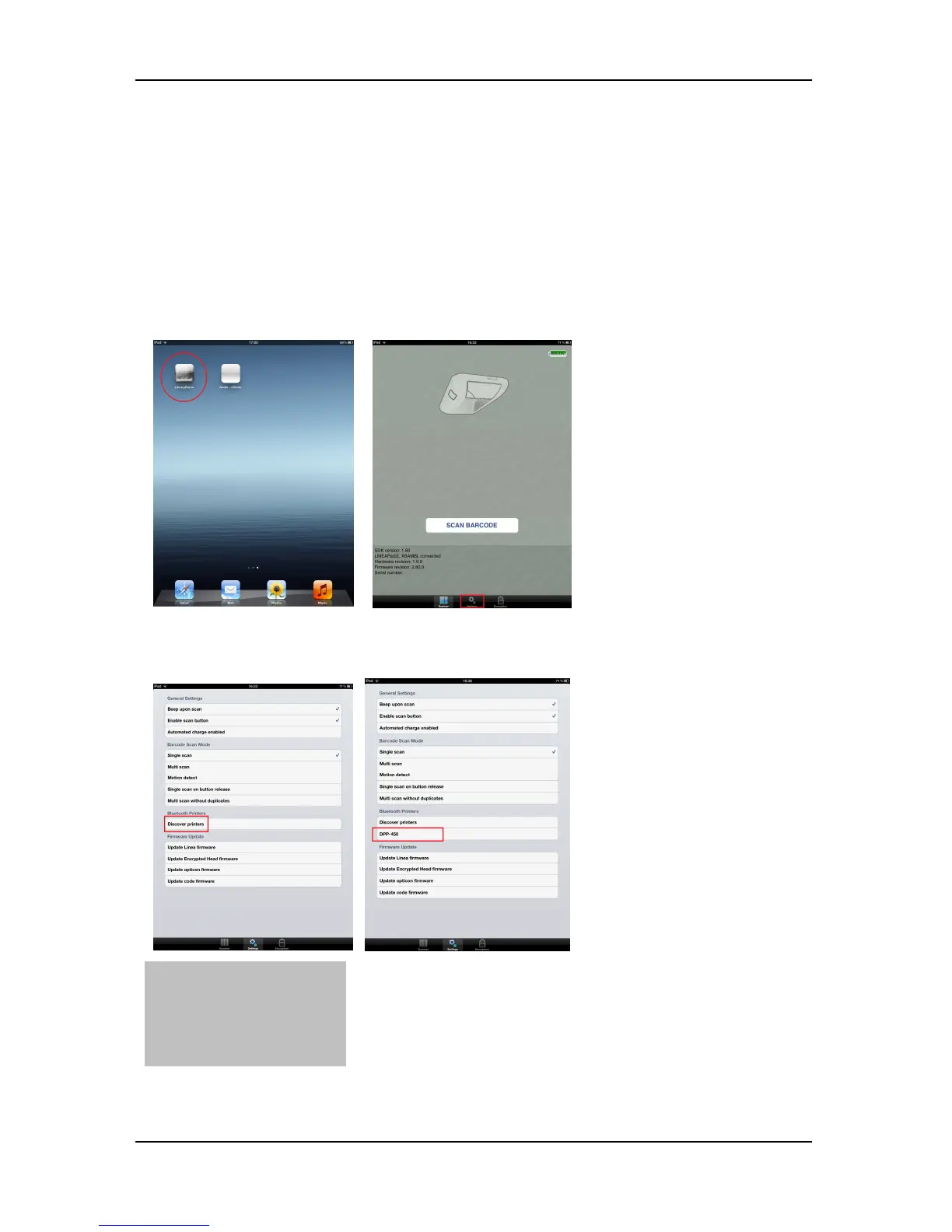
Start – LibraryDemo on iPad. Connect LineaTab to iPad(Figure 4). After this press
settings button.
Turn on DPP-450 Bluetooth printer. From setting menu press Discover printers, and
wait to find printers. When is found press on selected printer and wait connect.
On DPP-450 LCD screen is show message “BTH”, when is connected.
Press on LineaTAB “Print “ button:



 To Next Page