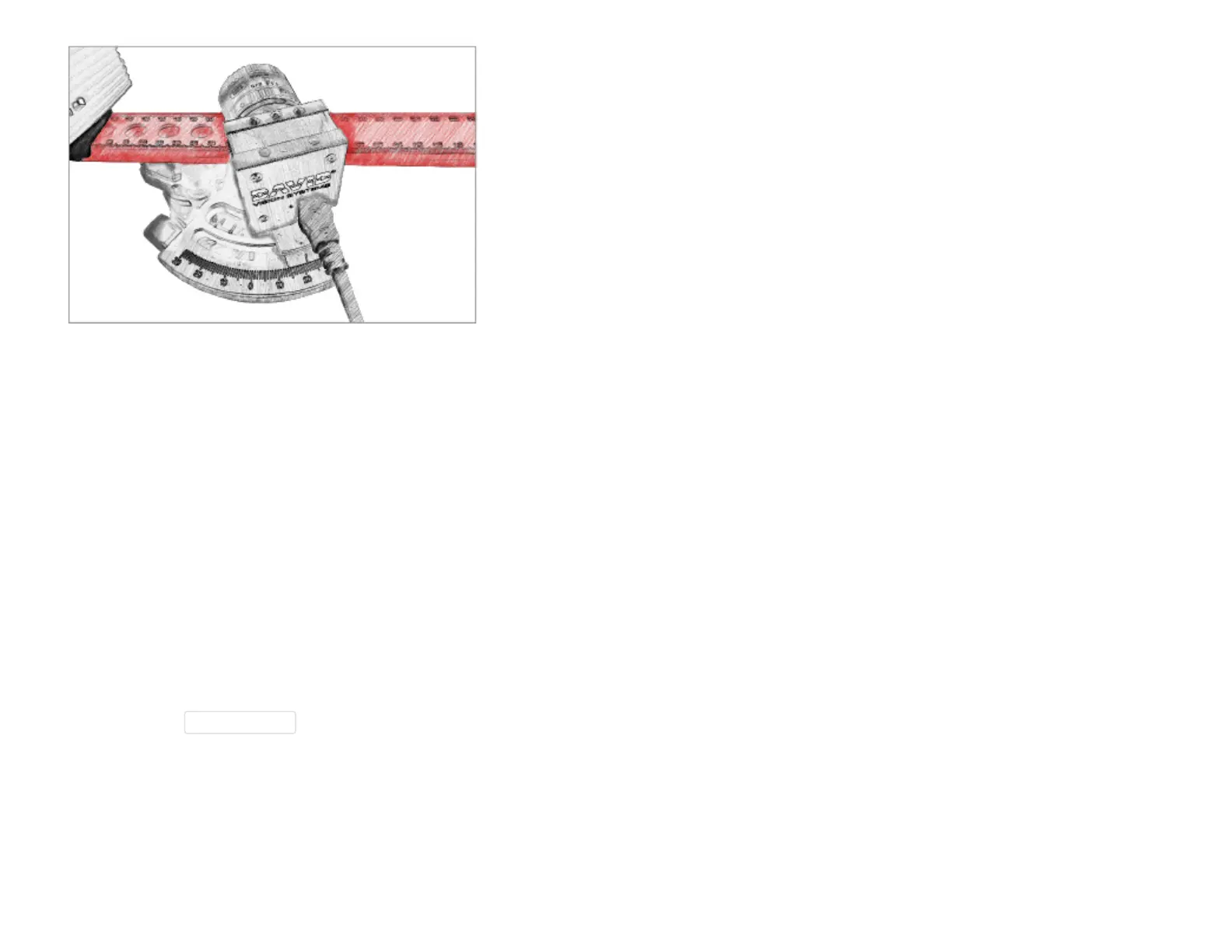
Setting the camera angle
For very large objects, or objects with deep cavities, a smaller camera angle may be necessary. Angles less
than 20° result in reduced scan quality (noise, inaccuracies). A very large camera angle (> 30°), may improve
the scan quality a little, but is only suitable for very flat objects. Large camera angles are usually
impractical and reduce the depth of the measurement range.
Using two cameras
When using two cameras, mount one camera on each side of the projector. Both cameras have to see the
projected patterns at the same time. In most cases, both cameras can be set to the same triangulation
angle with respect to the projector.
With two cameras, it is OK to use camera rotation angles below 20°, but at least 10°. However then you
should not use ExtendedView mode (Scan Result menu).



 To Next Page