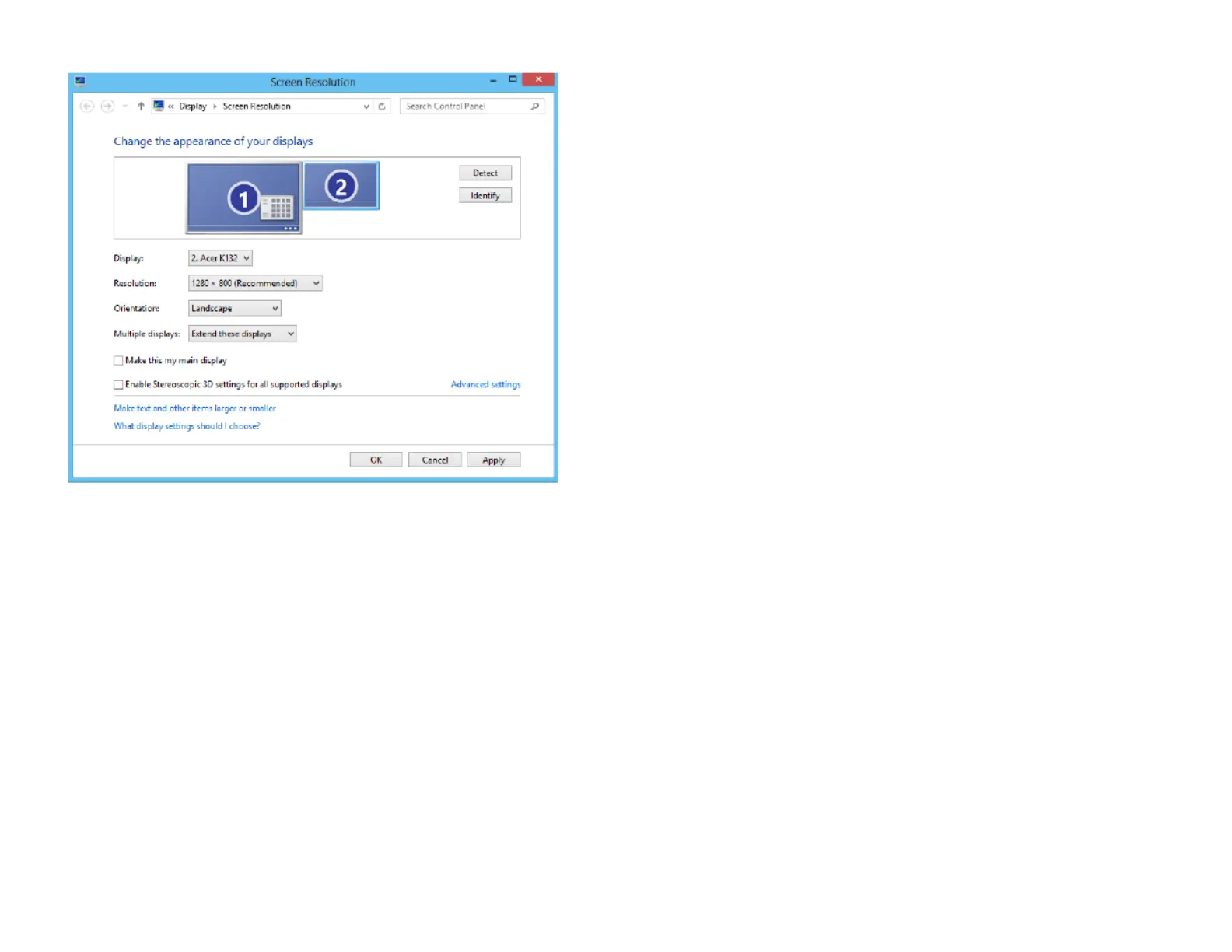
In this window you can separately configure your two "Displays", the monitor and the projector. (Image
may vary)
Your screen should be set as "main display". Make sure the projector is set as extended desktop ("Extend
these displays"). This is necessary so that DAVID can project the stripe patterns, while the user interface is
displayed on your screen.
The resolution of the projector must be set to its native value. Furthermore, you should make sure the
projector is set to its native refresh rate. Choose the Projector and click "Advanced", here you should set
the refresh rate in the "Monitor" tab to 60 Hertz.
When these settings are correct, your monitor and projector will show the same desktop wallpaper, but
otherwise different contents. You can move your mouse pointer sideways between the monitor and the
projector image. The Windows Start menu and most of the desktop icons are only displayed on the
monitor. Any window can be moved between monitor and projector back and forth.



 To Next Page