Selecting Units of Measure
22
UV (Ultraviolet Radiation)
Press 2ND and UV to display the current UV index. The cur-
rent UV index is the amount of ultraviolet radiation the sensor
is currently reading.
Press 2ND and UV again to display the accumulated UV index for the day.
The accumulated UV index is the total ultraviolet radiation that the sensor has
read throughout the day. The accumulated UV index for the day is reset to zero
every night.
Note: Requires a UV sensor. See “Optional Sensors” on page 2.
Heat Index
Press 2ND then press HEAT to display the Heat Index.
THSW Index
After you have selected the Heat Index, press 2ND then press HEAT again to
select the Temperature Humidity Sun Wind (THSW) Index. The THSW Index
is only available on stations equipped with a solar radiation sensor.
The Heat Index and the THSW Index display in the same place on the screen
and are displayed in degrees Fahrenheit (ºF) or Celsius (ºC).
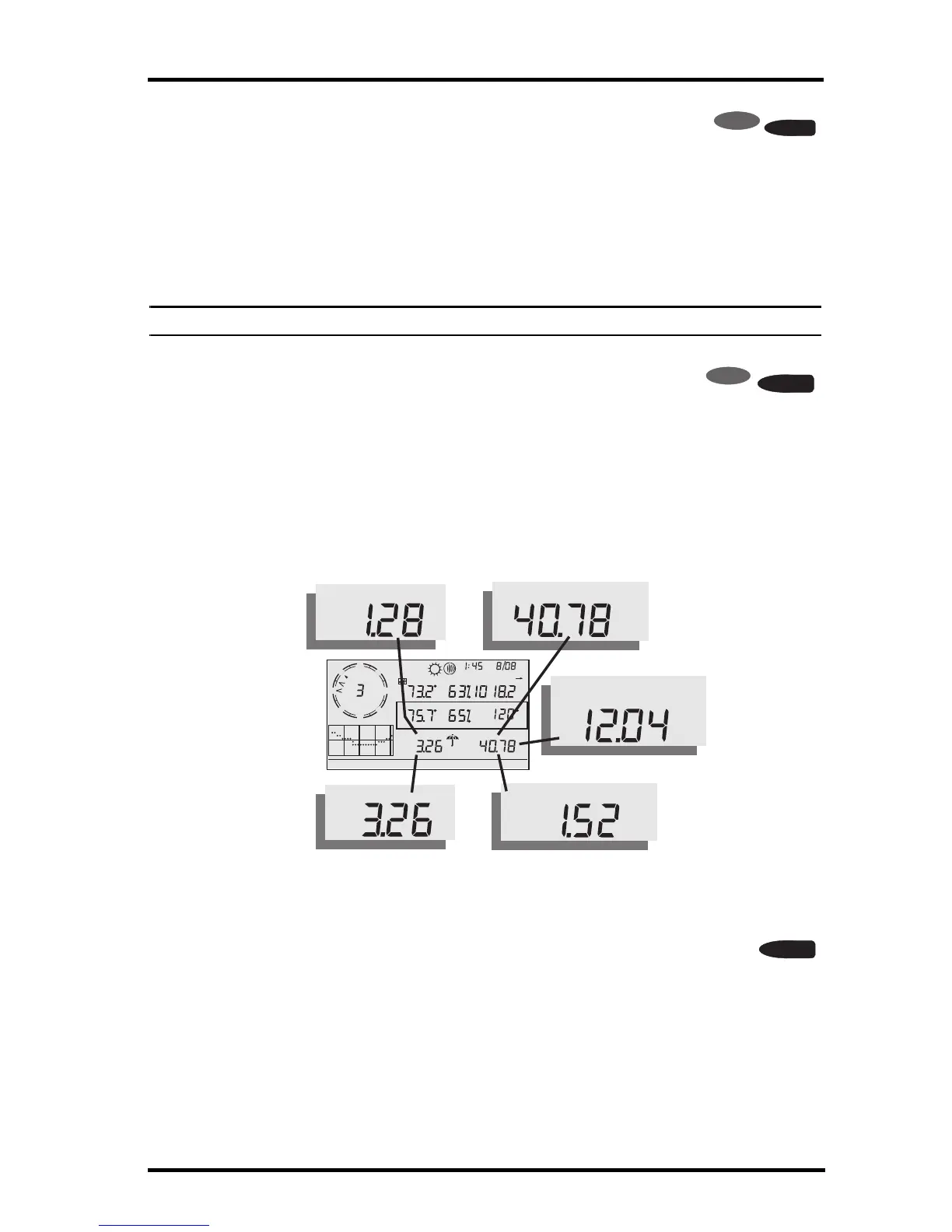
Rain Rate
Press RAINYR to display the current rain rate. Rain Rate may be
displayed as either inches per hour (in/hr.) or millimeters per hour
(mm/hr.). Rain Rate will show zero and the umbrella icon does not
appear until two tips of the rain bucket within a 15–minute period.
Month–to–date precipitation
Press RAINYR again to select the month–to–date precipitation record.
Monthly rain displays the precipitation accumulated since the calendar month
began. Month–to–date precipitation is displayed in inches or millimeters
(mm).



 To Next Page