EasyManua.ls Logo

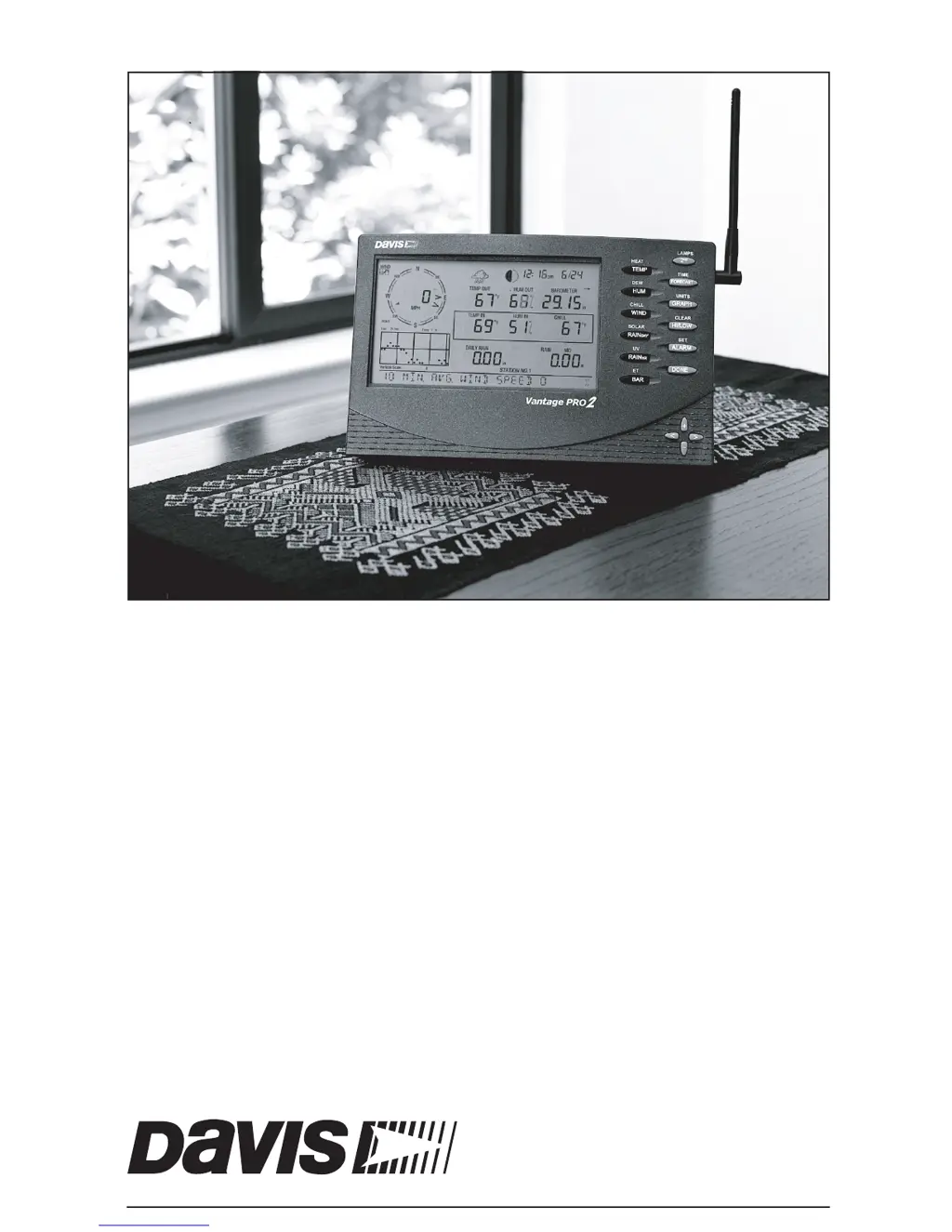
DAVIS Vantage Pro2 Console - User Manual

DAVIS Vantage Pro2 Console
56 pages
Print Icon
To Next Page IconTo Next Page
Loading...
Vantage Pro2
Console Manual
For Vantage Pro2 & Vantage Pro2 Plus Weather Stations
™™
Davis Instruments, 3465 Diablo Avenue, Hayward, CA 94545 • 510-732-9229 • www.davisnet.com

Questions and Answers

  • R
    Rebecca JosephSep 2, 2025
    Why is the outside temperature sensor reading too high on my DAVIS Vantage Pro2 Console Music Mixer?
    • A
      Anthony DavilaSep 2, 2025
      If the outside temperature sensor reading on your DAVIS Music Mixer seems too high, check the calibration number and adjust it if necessary. The Integrated Sensor Suite (ISS) or temperature sensor might need to be relocated.
  • S
    stephanie68Aug 31, 2025
    What to do if DAVIS Vantage Pro2 Console Music Mixer console is sluggish at low temperatures?
    • M
      Matthew CollinsAug 31, 2025
      To resolve a sluggish console or one that doesn't work at low temperatures on your DAVIS Music Mixer, note that the console and display might not function below 32º F (0º C). Consider using an external temperature sensor in low-temperature locations or install the console indoors.
  • C
    Christina GonzalezAug 29, 2025
    Why does the outside temperature seem too low on my DAVIS Music Mixer?
    • V
      Vincent HutchinsonAug 30, 2025
      If the outside temperature on your DAVIS Music Mixer seems too low, check the calibration number and adjust if necessary. Also, check if sprinklers are hitting the Integrated Sensor Suite (ISS) radiation shield and relocate if needed.
  • E
    Emily BakerAug 27, 2025
    Why does the inside humidity seem too high or low on my DAVIS Music Mixer?
    • K
      Kevin PowellAug 27, 2025
      If the inside humidity on your DAVIS Music Mixer seems too high or too low, make sure the console isn't near a humidifier or dehumidifier. Check the calibration number and adjust if necessary. If the inside humidity is low and the inside temperature is too high, also ensure the console backlight is off.
  • R
    Robert FieldsAug 27, 2025
    How to fix a blank display on a DAVIS Music Mixer?
    • L
      Laura GarciaAug 27, 2025
      If the display on your DAVIS Music Mixer is blank, it's likely not receiving power. Check the power adapter connections or replace the batteries.
  • K
    katherinedeleonAug 25, 2025
    Why is the inside temperature reading too high on my DAVIS Music Mixer?
    • J
      Jasmine HendersonAug 25, 2025
      If the inside temperature reading on your DAVIS Music Mixer seems too high, move the console out of direct sunlight. Ensure it's not touching an exterior wall that heats up or near any heat sources like lamps or appliances. Also, ensure the console backlight is off and check the calibration number, adjusting if necessary.
  • J
    Justin MurrayAug 22, 2025
    What to do if the DAVIS Vantage Pro2 Console display locks up?
    • E
      eric60Aug 22, 2025
      If the display on your DAVIS Music Mixer locks up, reset the console by removing both AC and battery power, then restore the power. If this happens frequently when using AC power, plug the AC power adapter into a surge suppressor.

Summary

Welcome to Vantage Pro2

Console Features

Overview of the console's capabilities, including keyboard and display functions.

Installing the Console

Powering the Console

Instructions for powering the console using AC adapter or batteries.

Installing the AC Power Adapter

Step-by-step guide for connecting the AC power adapter.

Installing Batteries

Procedure for installing or replacing the console's C-cell batteries.

Connecting Cabled Stations

Instructions for connecting a cabled station to the console.

Console Location

Recommendations for optimal placement of the console for accurate readings and usability.

Wall Mounting

Instructions for mounting the console securely on a wall.

Using Your Weather Station

Setup Mode

Guide to entering and navigating the console's setup configuration screens.

Transmitter ID Configuration

Procedure to configure transmitter IDs for wireless stations.

Time and Date Setup

Setting the console's current time and date, including clock format.

Time Zone Setup

Selecting the correct time zone or setting a UTC offset.

Daylight Savings Settings

Configuring automatic or manual daylight saving time adjustments.

Elevation Setup

Entering the station's elevation for barometric pressure standardization.

Current Weather Mode

Calibrating, Setting, and Clearing Variables

Calibrating Temperature and Humidity

Adjusting readings for temperature and humidity sensors.

Calibrate Wind Direction Reading

Correcting wind direction readings based on anemometer orientation.

Calibrating Barometric Pressure

Adjusting barometric pressure readings based on elevation.

Clearing Weather Variables

Clear All Command

Command to reset all stored high/low data and alarm settings.

Alarm Mode

Setting Alarms

Step-by-step guide for programming high and low alarm thresholds.

Troubleshooting and Maintenance

Vantage Pro2 Troubleshooting Guide

Guide to diagnosing and resolving common console and sensor problems.

Troubleshooting Reception Problems

Specific steps for resolving issues with wireless signal reception.

Console Diagnostic Mode

Check Console Reception

Steps to verify the console's ability to receive signals from transmitters.

Console Maintenance

Changing Batteries

Procedure to replace console batteries without losing data.

Wireless Repeater Configuration

Setting Repeater ID on Console

Guide to configuring repeater IDs for extended wireless range.

Vantage Pro2 Console Icons

Contacting Davis Technical Support

Contact information and hours for technical assistance.

DAVIS Vantage Pro2 Console Specifications

General IconGeneral
BrandDAVIS
ModelVantage Pro2 Console
CategoryMusic Mixer
LanguageEnglish

Related product manuals