14
Time and Date
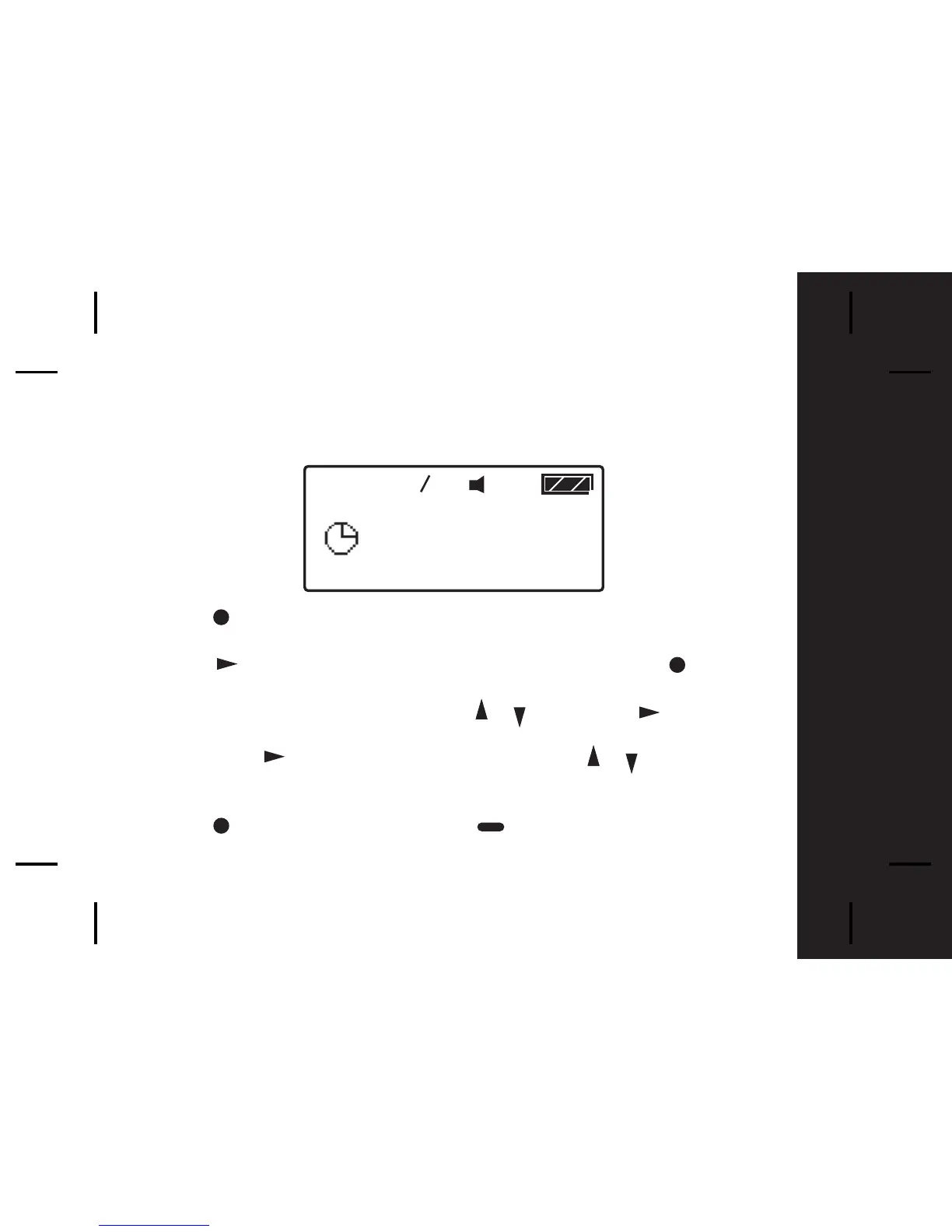
To access and set the time and date of your pager;
- Press once from the Main Menu screen to enter the Function Menu
screen and SET ALERT will appear.
- Press button once to select "SET TIME", then press the button
and a 12 hour clock appears.
-To select the 12hr or 24hr clock press / then press to advance
and set the hour of your pager.
-After presing to highlight the hour field, use the / button to
choose the value.
- Repeat the above steps for setting minutes, AM/PM, day, month and year.
- Press to confirm your settings, or to cancel.
1



 To Next Page