18
Set Contrast
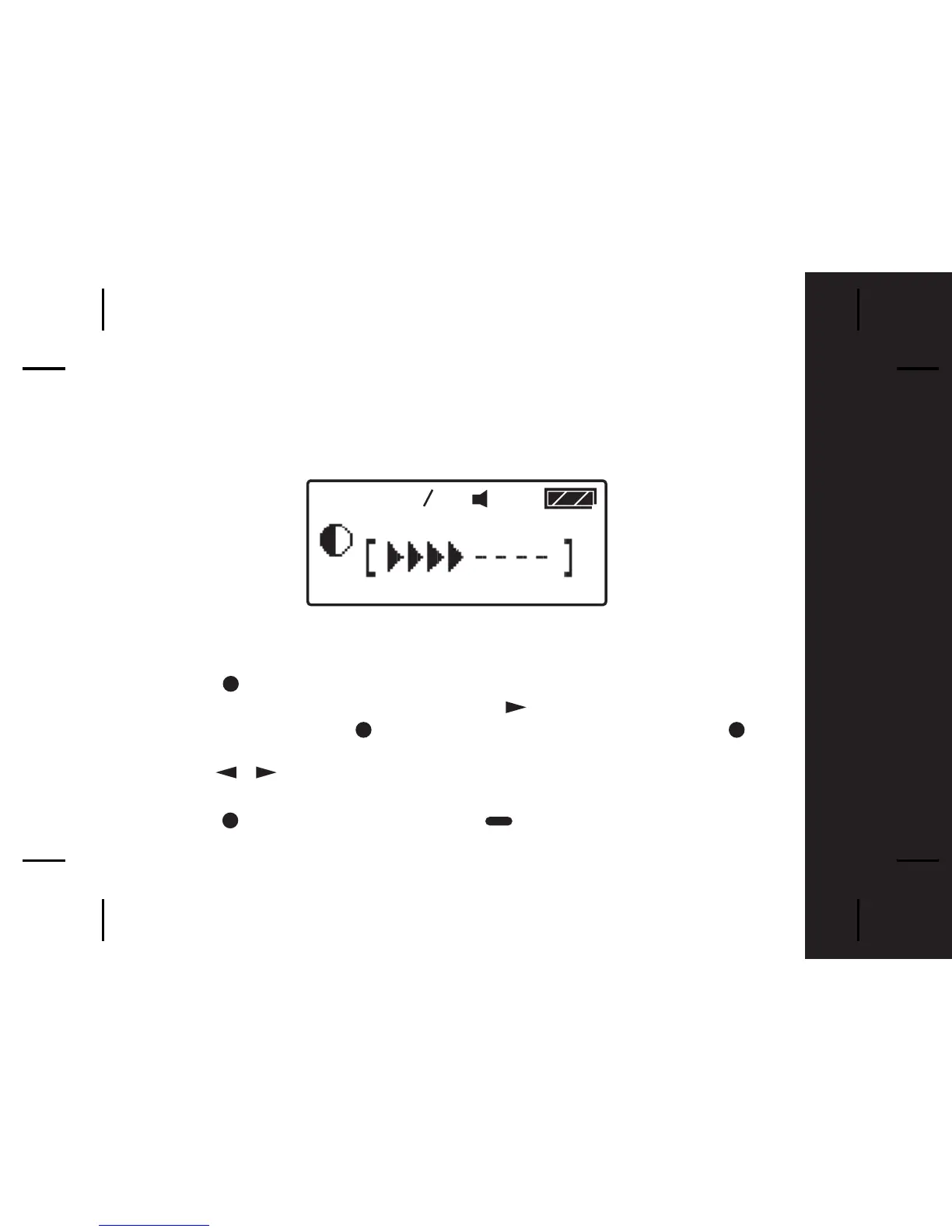
To change the display contrast of your pager's screen;
- Press once from the Main Menu screen to go to the Function Menu
screen, "SET ALERT" will appear. Press four times to select "PAGER
CONTROL", then press and "SET CONTRAST" appears. Press to
select Set Contrast.
- Press to select and change the display contrast of your pagers
screen.
- Press to confirm your settings, or to cancel.
/



 To Next Page