31
Messages
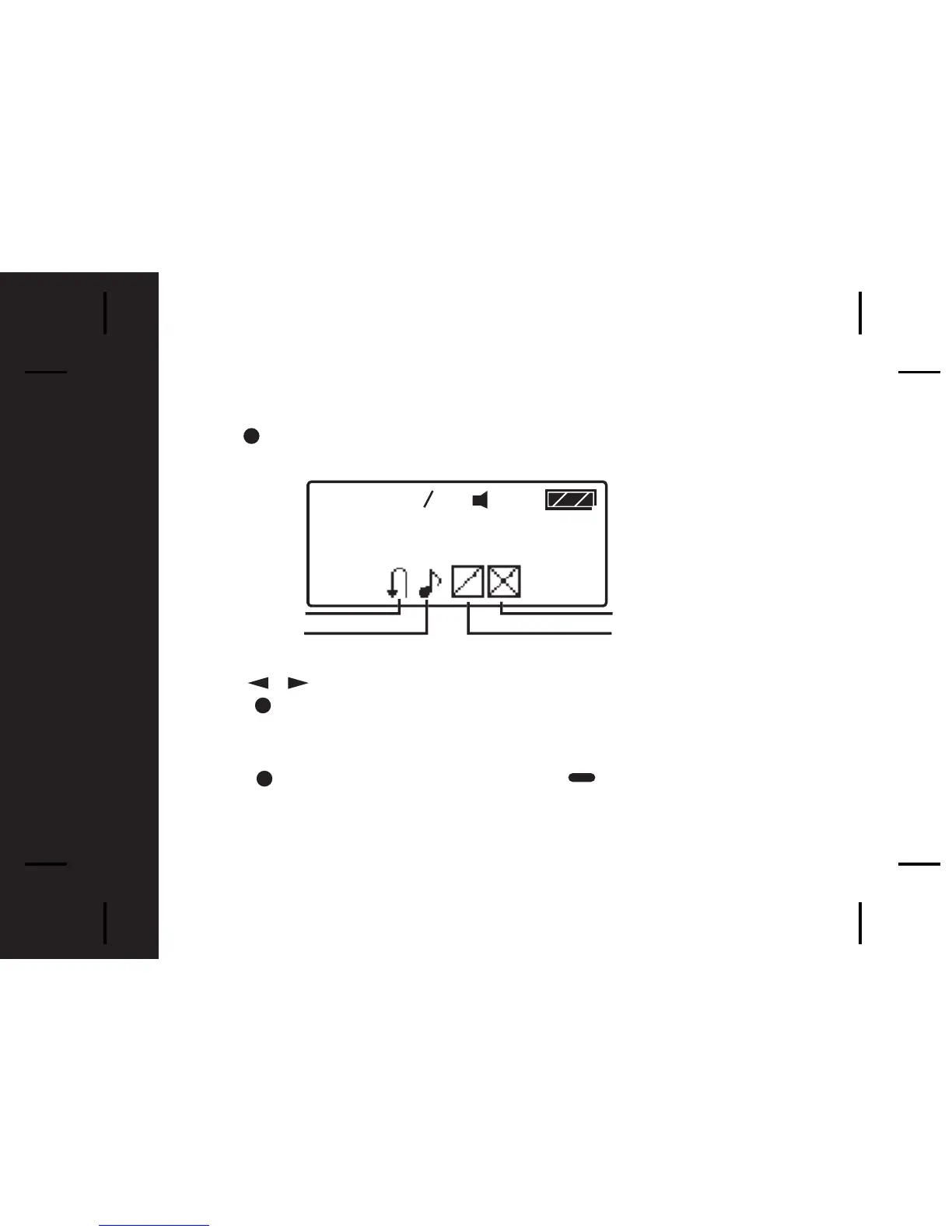
Info Folder Function Menu
Press to enter the Info Folder Function Screen from the Info Folder
Screen
- Press to move to the previous/next Info Folder Function prompt.
- Press to activate the selected function.
A confirmation message "?" comes with "DELETE SLOT" and "DELETE
ALL SLOTS".
- Press again to confirm your settings, or to cancel.



 To Next Page