19
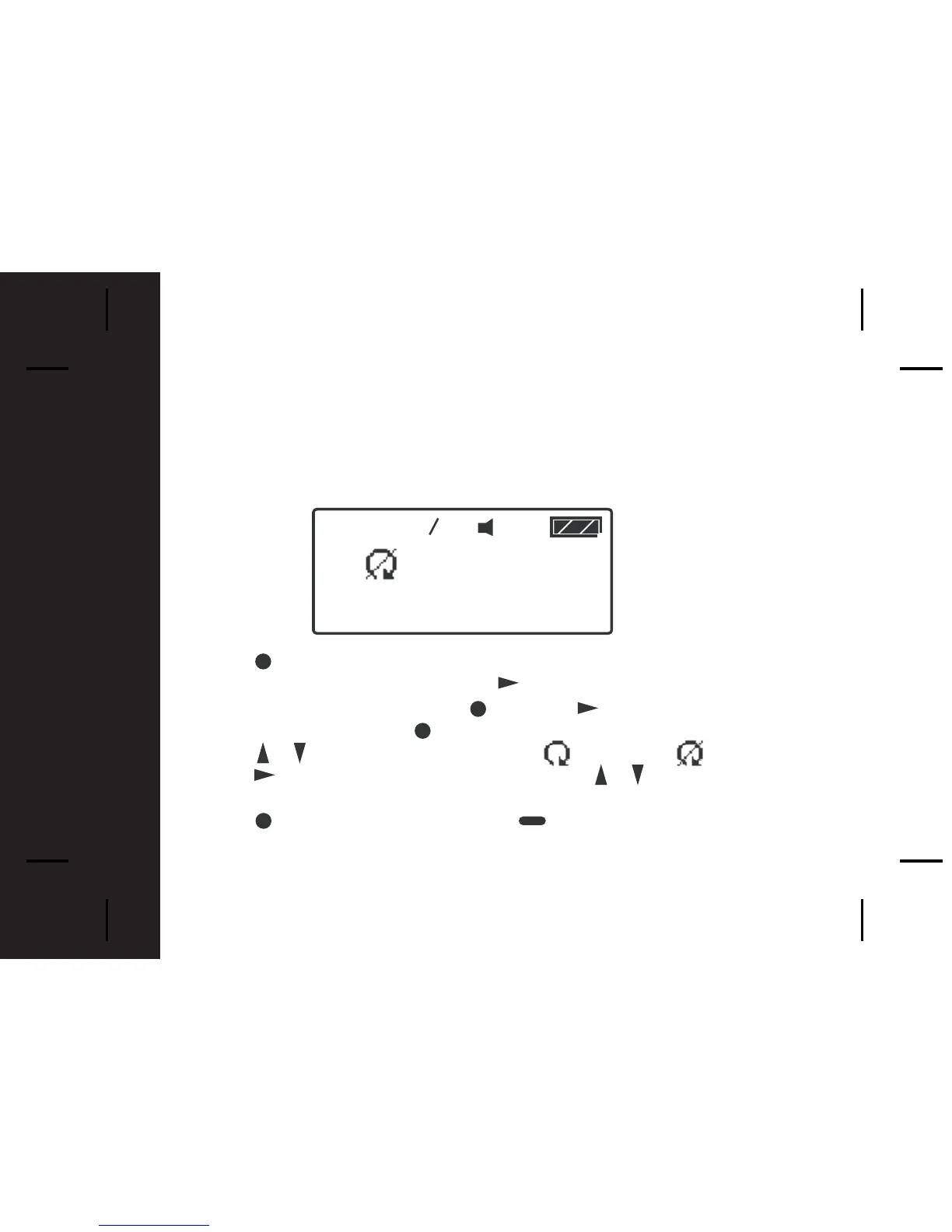
Auto Scroll
Activating Auto Scroll will cause the display to scroll through a message
automatically. The display will scroll faster or slower depending on the set
speed.
- Press from the Main Menu screen to
o to the Function Menu screen,
"SET ALERT" will appear. Press the button four times to select
"PAGER CONTROL", then press . Press once and "AUTO
SCROLL " appears. Press to select Auto Scroll.
- Press / to make auto scroll active or inactive .
- Press to highlight auto scroll level and use / to select "SLOW",
"MEDIUM" or "FAST" as the scroll speed.
- Press to confirm your settings, or to cancel.
1



 To Next Page