7
Battery Installation and
Removal
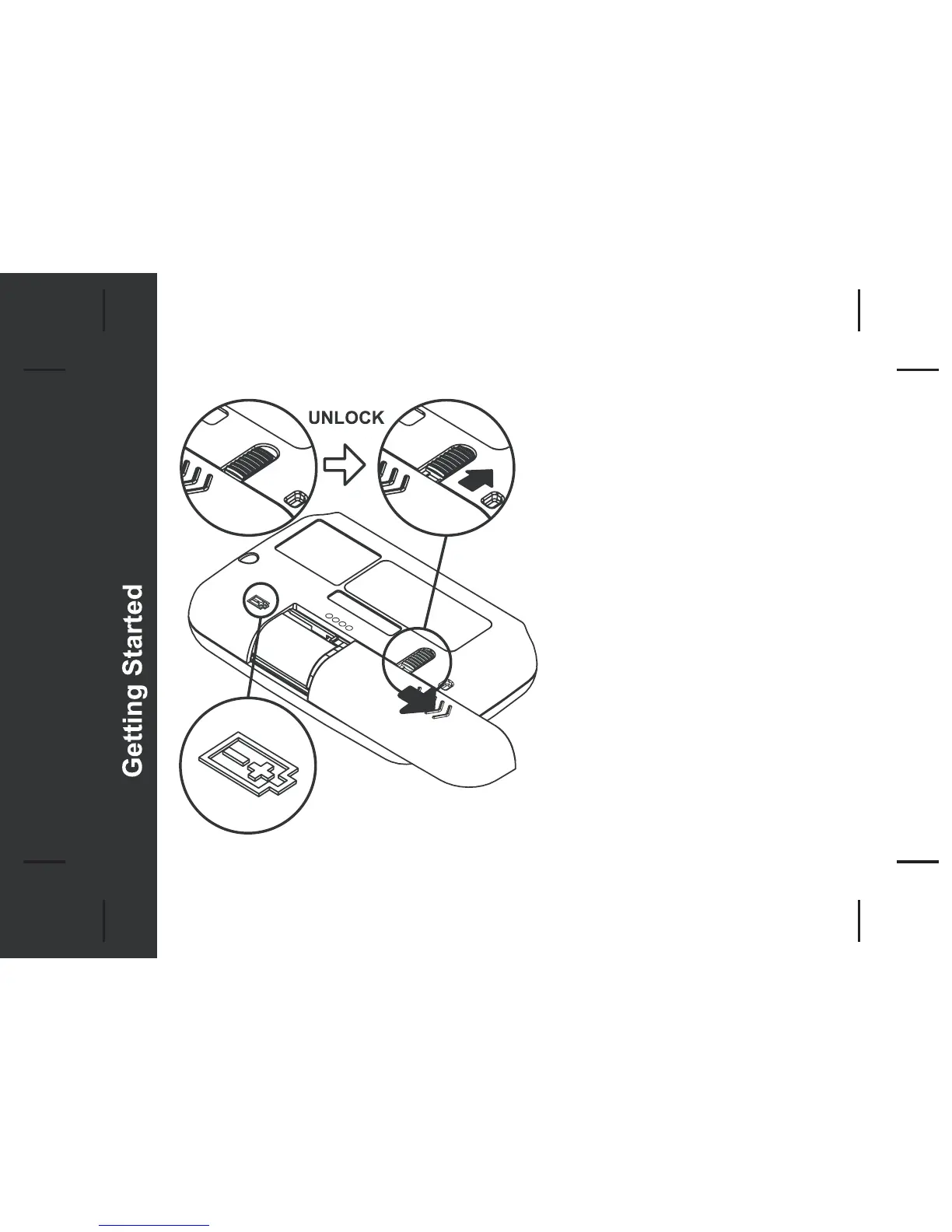
- Place the pager face down on
the palm of your hand
- Unlock the door and slide it out
as shown
- Insert new battery into battery
compartment
- Ensure that the battery polarity is
corrct as indicated on the housing.
- To close, slide the battery door
back into position and lock it



 To Next Page