15
Private Time
Activating Private Time sets a daily period of time in which your pager will
not alert. Private Time overrides any current alert mode status.
However, the pa
ear. Press twice to select
"PRIVATE TIME", then press to enter. A flashing clock appears.
- Press / to activate or deactivate the Private Time function.*
- Press to go to the "START" field , press / to set the starting
time. Then Press to go to the "END" field, press / to set the
ending time.
- Press to confirm your settings, or to cancel.
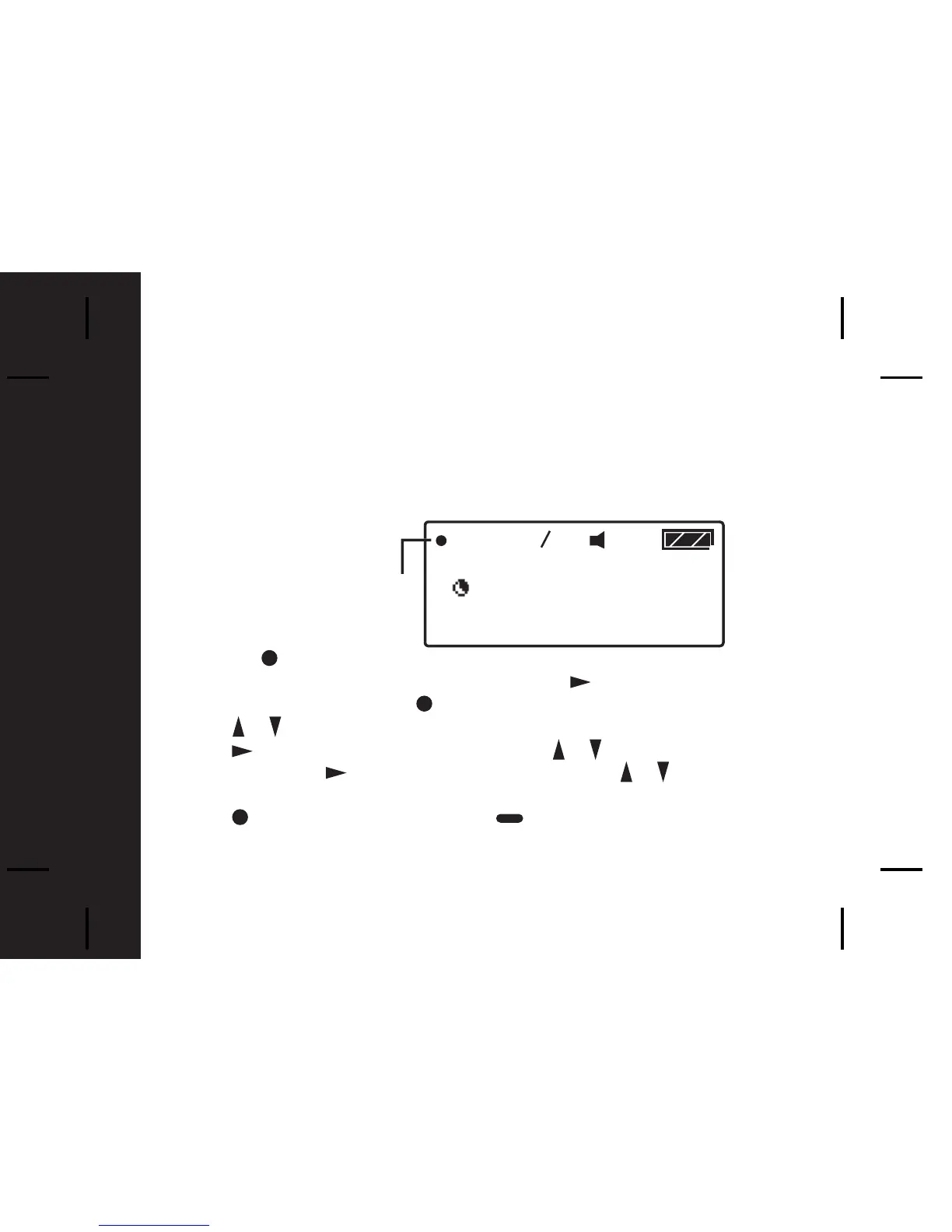
* A dot at the left of the Status Icon Display indicates that the function is active.
1



 To Next Page