EasyManua.ls Logo

Daviscomms BR802 Flex - Pager Control Options

Daviscomms BR802 Flex
40 pages
Print Icon
To Next Page IconTo Next Page
To Previous Page IconTo Previous Page
Loading...
16
Alarm ( One Time/Daily )
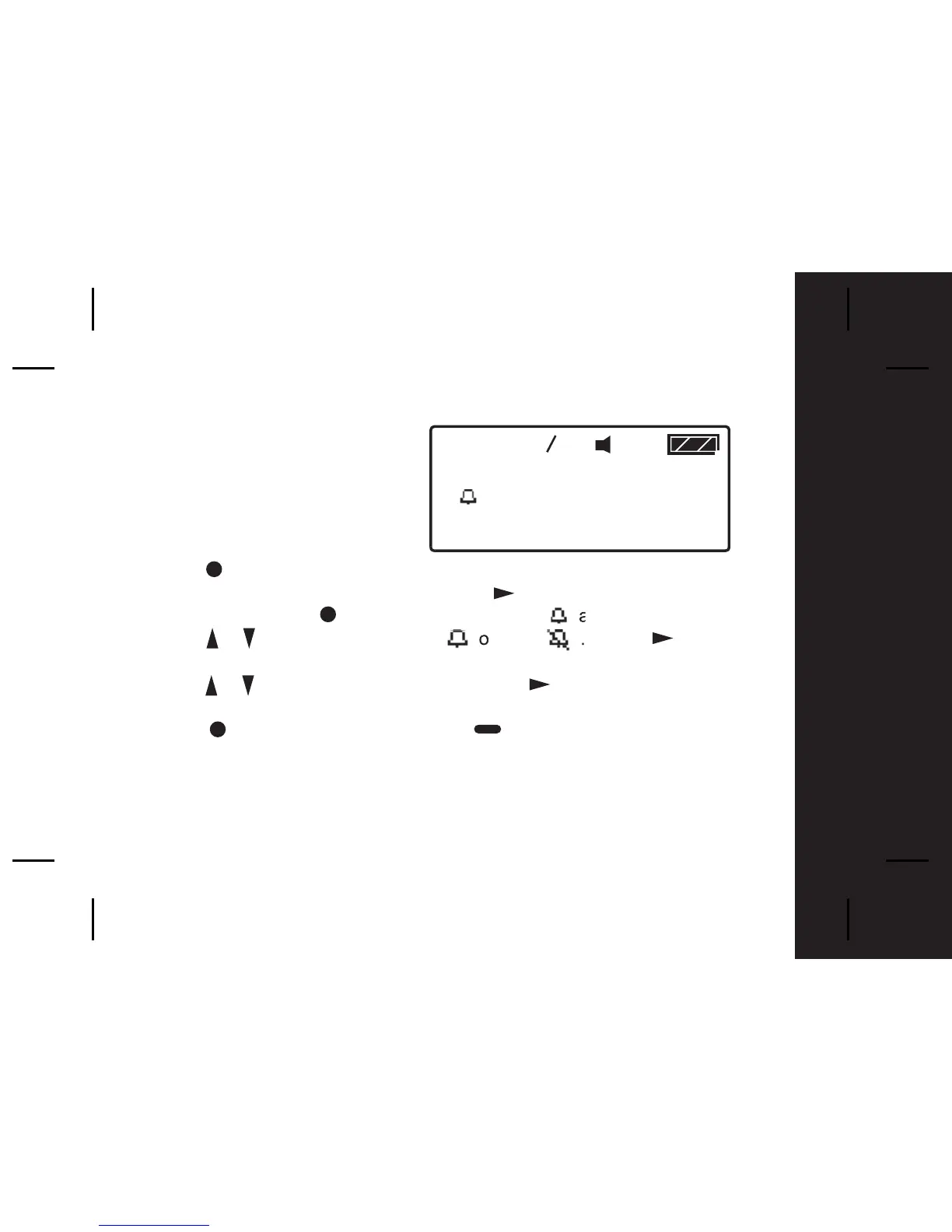
To use your pager as an Alarm;
-Press once from Main Menu screen to
o to the Function Menu
screen, "SET ALERT" will appear. Press three times to select "SET
ALARM", then press to enter and a flashing appears.
- Press / to turn the alarm ON or OFF . Press to move
to the time field.
- Press / to chan
g
e the hour then press to move to the next field.
Repeat this step for setting minutes, AM/PM, day, month and year.
- Press to confirm your settings, or to cancel.
- When the Alarm is active an Alarm icon is displayed in the Status Bar.
Pager Tips
By setting no date for your alarm the alarm will sound every day at the
specified time; - example: " 9 : 00 AM -- --- -- "
12:00 01 01
#
12:00 0 1 FEB 03
AM
Function Menus


Related product manuals