7
Connecting Sources
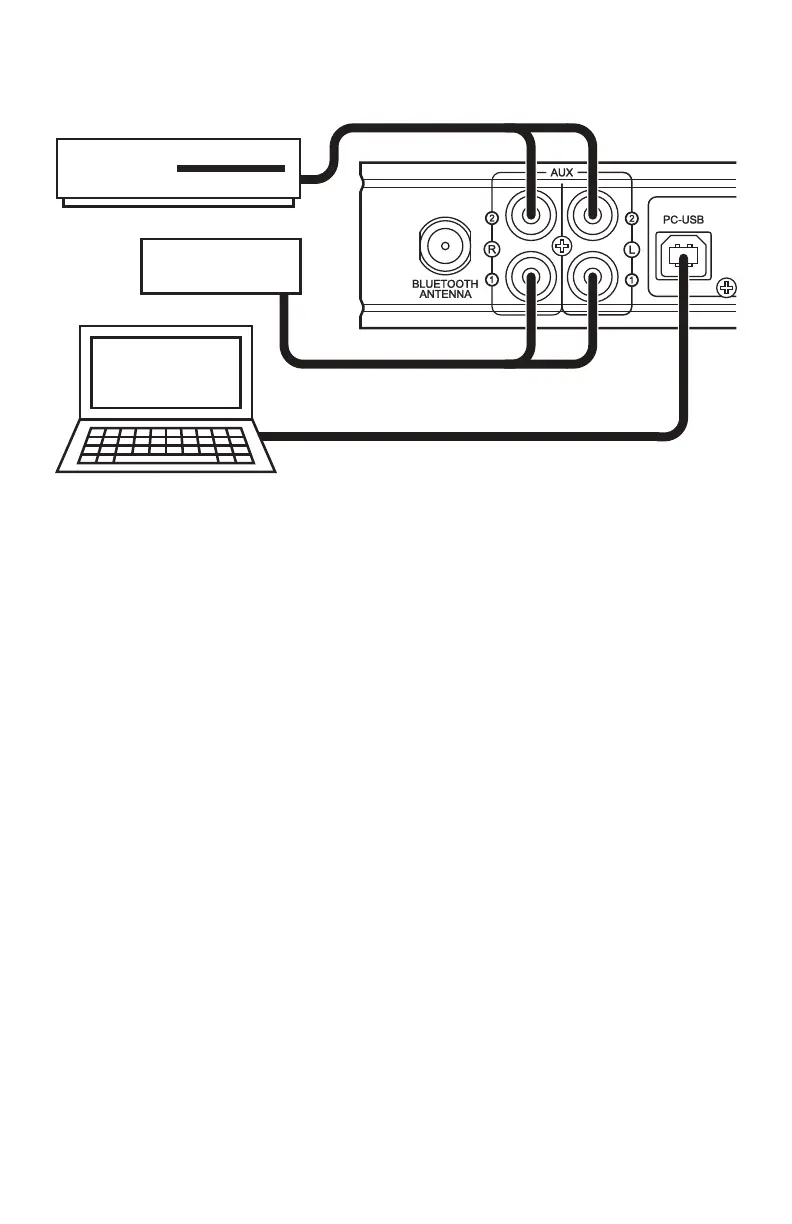
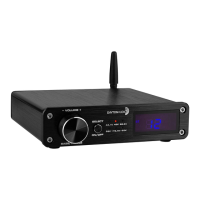
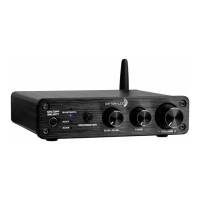
The HTA20 is capable of receiving signals directly from a wide variety of sources.Using
high quality cables will ensure the best possible transmission from your connected devices.
Bluetooth as a Source
1. Make sure that the input selector is set to Bluetooth
2. Using a smart phone, tablet, computer, or other device capable of transmitting
Bluetooth audio, go the devices settings and scan for available Bluetooth
devices.
3. Look for and select “HTA20” in the device list and begin pairing.
4. Once your device indicates that it is paired you can begin streaming your
favorite music from up to 30 feet away.
NOTE: The HTA20 does not make any sounds when connecting and
disconnecting audio sources. Refer to the status indication on your Bluetooth
device for connection status.
CD PLAYER
WBA51
PC


 To Next Page