6
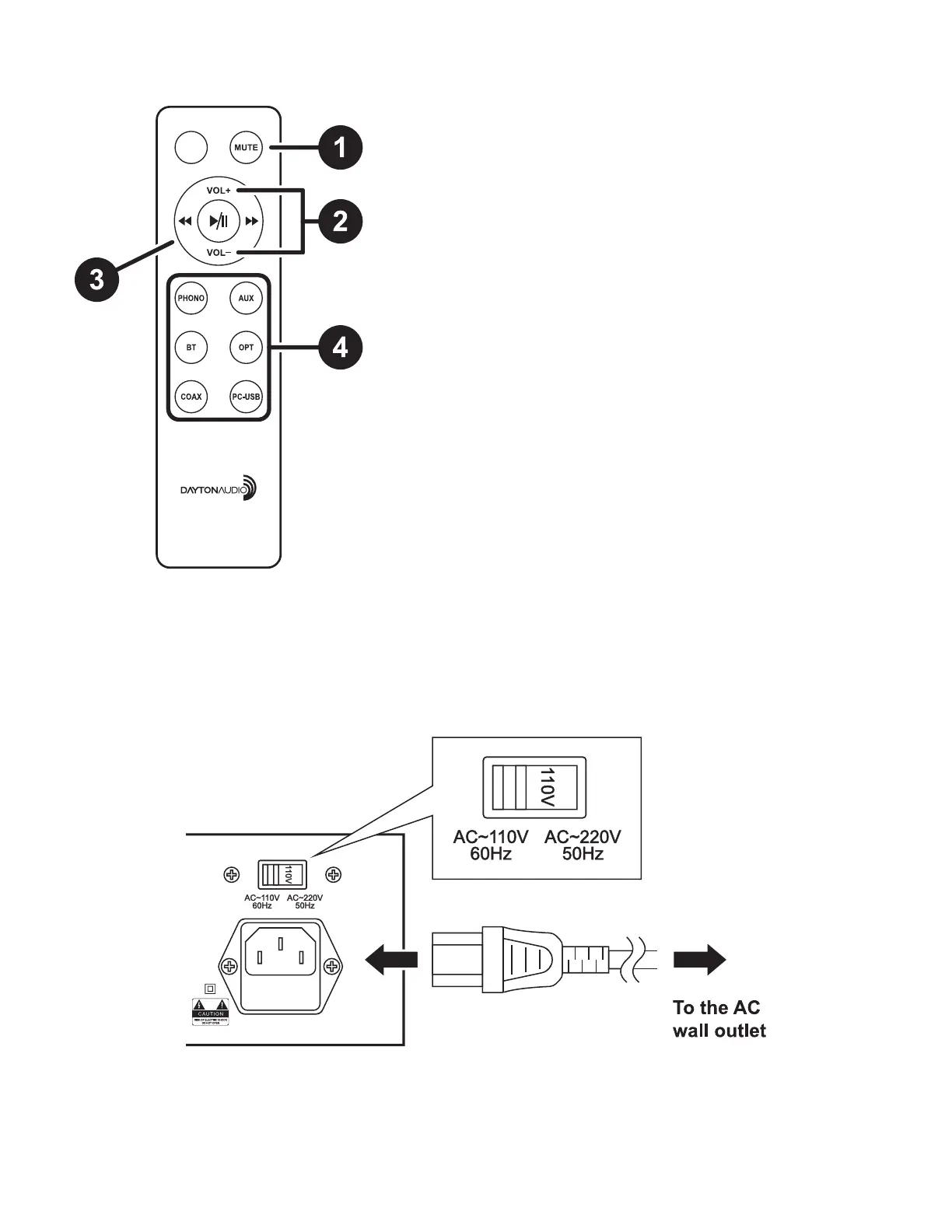
Remote Control
1. MUTE
1. When muted, the HTA200 will display ---- on it’s screen.
2. VOLUME +/-
1. Control the volume of the amplier. The volume knob will
rotate to indicate the current level of the amplier.
3. TRACK TRANSPORT CONTROLS
1. Control the playback of the Bluetooth input.
2. “play/pause logo” – start/pause the current song.
3. “forward logo” – skip forward to the next song.
4. “backward logo” skip backward to the beginning of the current
song or the previous song.
4. INPUT SELECTION
1. Directly select any of the inputs here.
2. NOTE: PC-USB is only selectable when a device is connected
to the USB port on the rear of the unit.
Connecting the Power Cable
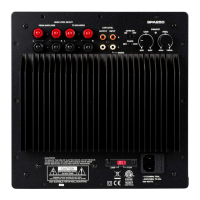
Before connecting the main power cable, make sure that the voltage selector switch is set according to your local
voltage. Incorrect setting of the voltage selector switch could cause damage to the amplier and has a potential risk
of re.
Connections


 To Next Page