DB ELETTRONICA TELECOMUNICAZIONI S.p.A.
PM 1000 – 1 kW FM Broadcasting Transmitter - USER’S MANUAL
14 /101
3.1 FREQUENCY CHANGE
1. Lower the output power to its minimum level.
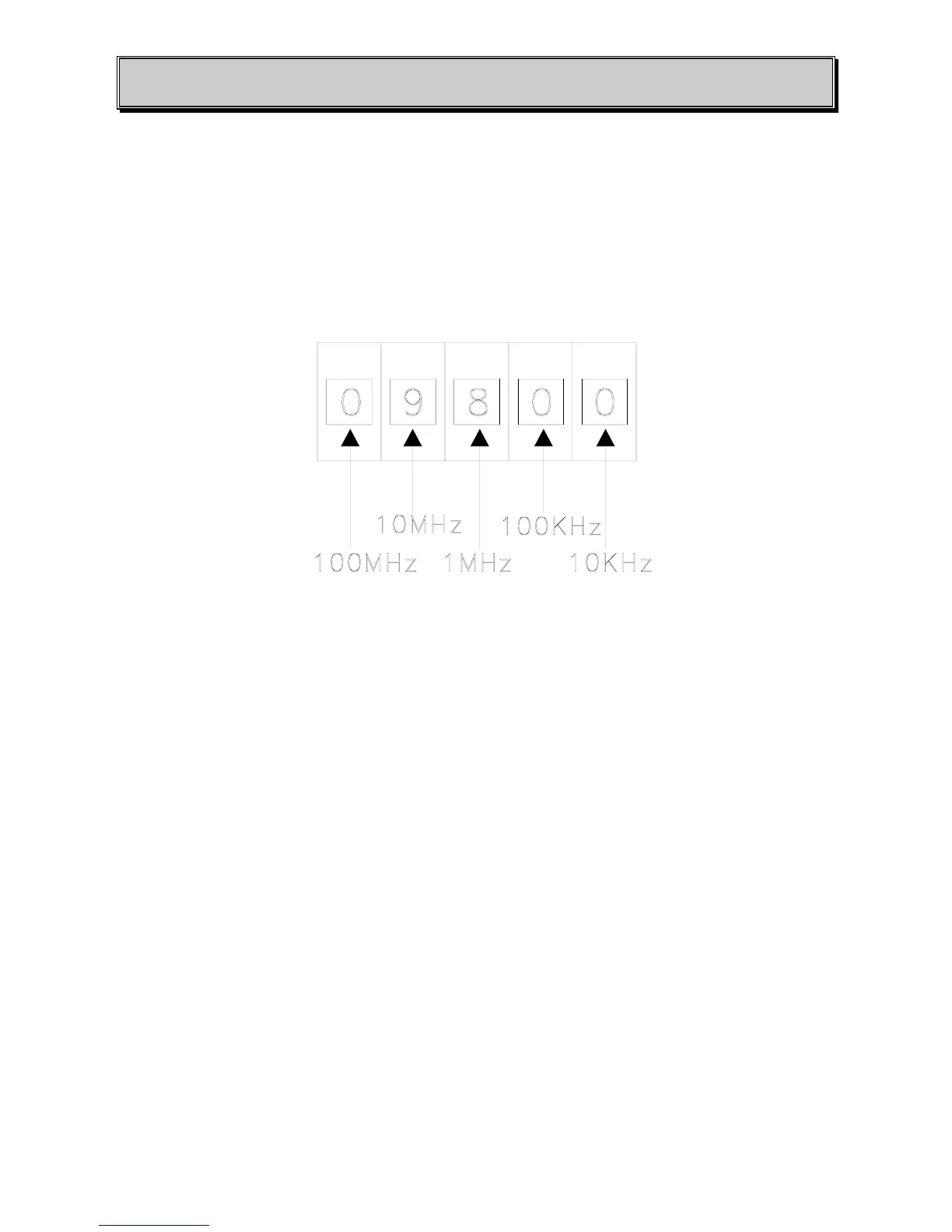
2. If the exciter is equipped with the “EXTERNAL FREQUENCY SETTING” option (/C) the
selection of the frequency is immediate using the front panel CONTRAVES (Fig. 1.1).
The weights of the contraves numbers are as follows;
3. If the transmitter has internal frequency setting, to change frequency open the cover of the Sintel
’96 modulator board (see Fig. 1.4) and use the internal dip-switches. The weight of the internal dip-
switches is indicated on the next page. To find the correct dip-switches configuration corresponding
to the needed FM channel, please refer to the following example with 98 MHz frequency.
4 - Put every dip-switches in the ON position.
5 - Select the OFF position for the dip-switch with the maximum weight, lower than or equal to the
frequency wanted (for example f
0
= 98 MHz put on OFF the 81.92 MHz switch).
6 - Select 98 - 81.92=16.08 MHz, the minimum weight, lower than or equal to 16.08 MHz, is 10.24
MHz; now put off the corresponding switch.
7 - Select 16.08 - 10.24 = 5.84 MHz, the minimum weight, lower than or equal to 5.84 MHz, is 5.12
MHz, now put off the corresponding switch.
8 - Select 5.84 - 5.12 = 0.72 MHz, the minimum weight, lower than or equal to 0.72 MHz, is 0.64
MHz, then put off the corresponding switch.



 To Next Page