Select drum kit and reverb
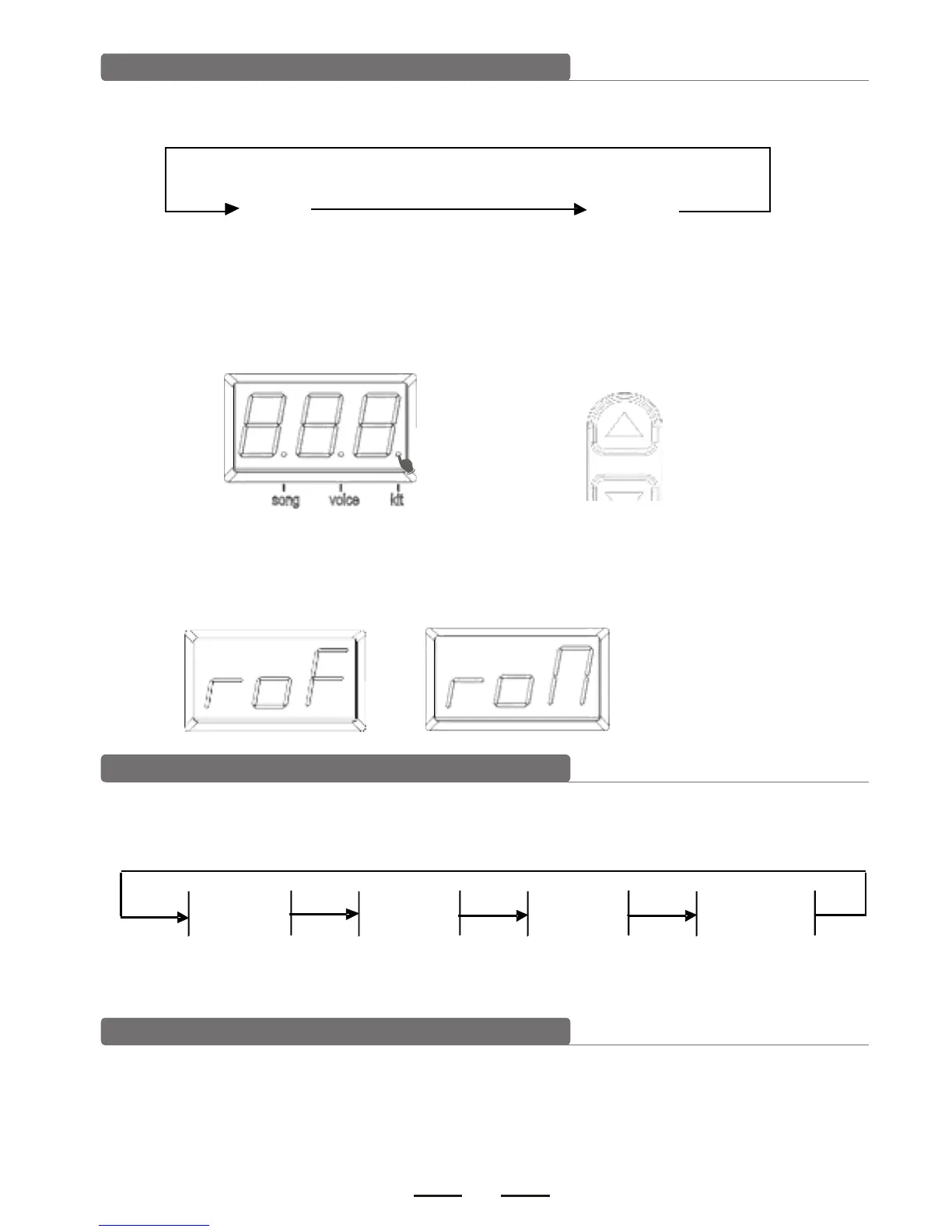
1). Press [KIT REV ON/OFF] key to enter into drum kit setting or to switch drum kit and
reverb effect.
2). Press [KIT REV ON/OFF] key to enter into drum selection. The display shows drum kit
number and the KIT LED lights up. Use [-DATA+] button to select drum kit.
Preset drum kit: KIT01---20
User drum kit: USER01---10
DATA
3). Press [KIT REV ON/OFF] button to enter into reverb setting. LED shows the reverb
effect. Use [-DATA+] button to switch the reverb effect (use the reverb effect to make
the sound fuller)
Pad parameter setting
Press [VOICE VOL/PAN/TUN] key to enter into the pad parameter setting and then enter
into voice, level, pan, tuning.
VOICE LEVEL PAN TUNING
Voice: the module has 250 voices. Please refer to the voice list.
Select pad voice
1)Press [VOICE VOL/PAN/TUN] button for the first time to enter into voice setting. The
display shows the current pad voice and the voice LED lights up.


 To Next Page