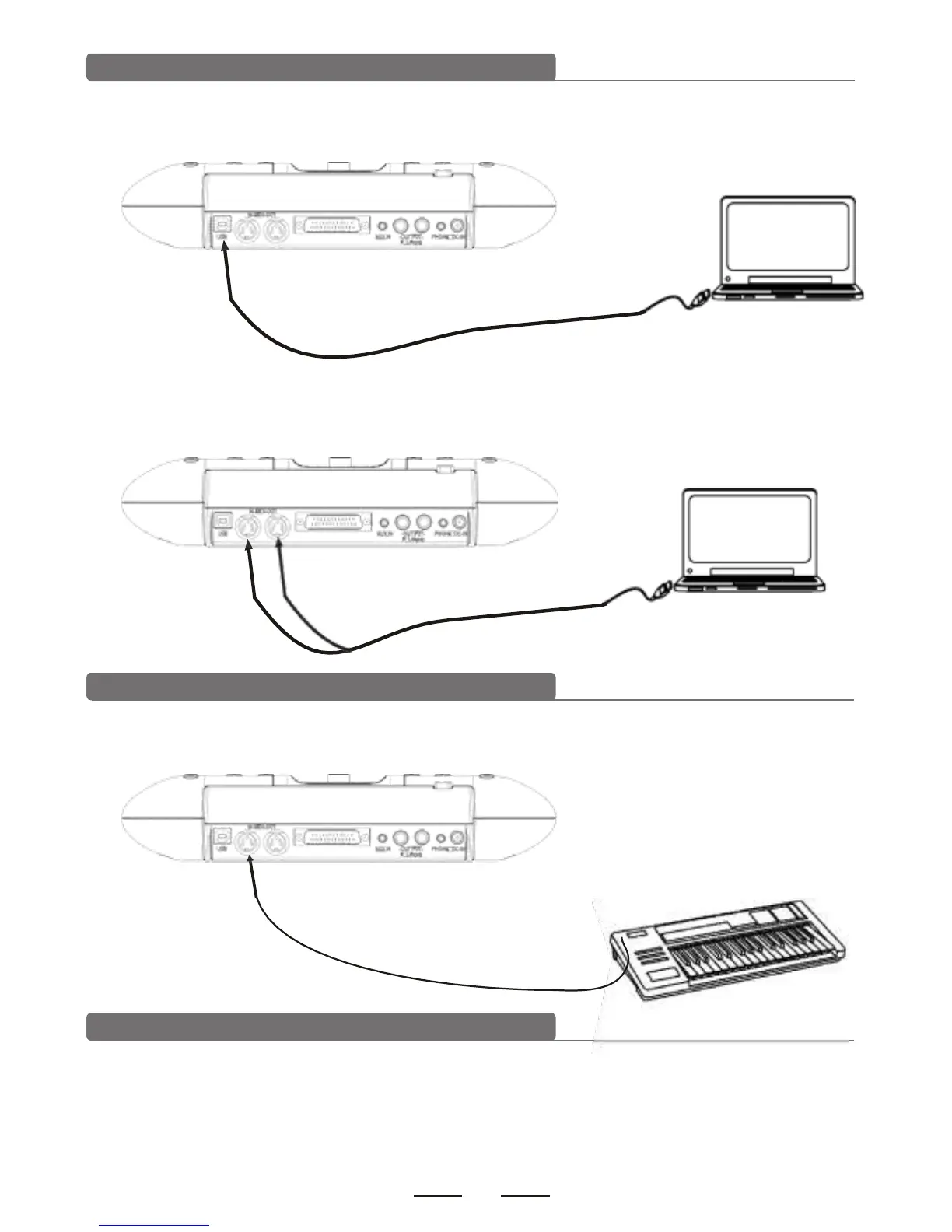
Connect with PC
1). Connect PC via USB
Receives and delivers MIDI signal.
2). Connect PC via MIDI port
MIDI IN: receives external MIDI signal.
MIDI OUT: delivers pad signal to external MIDI device or PC.
Connect with MIDI keyboard
MIDI port: connect with the MIDI OUT connector of MIDI keyboard or external
pads as the external audio source to control this digital drum.
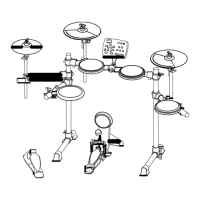
Power supply
1). Turn off the module power switch.
2). Connect the power supply with DC IN connector.
3). Confirm all the pads are correctly connected. Set the module volume to minimum,
then turn on the power switch of the module. The display lights up and it enters
into the drum kit menu.


 To Next Page