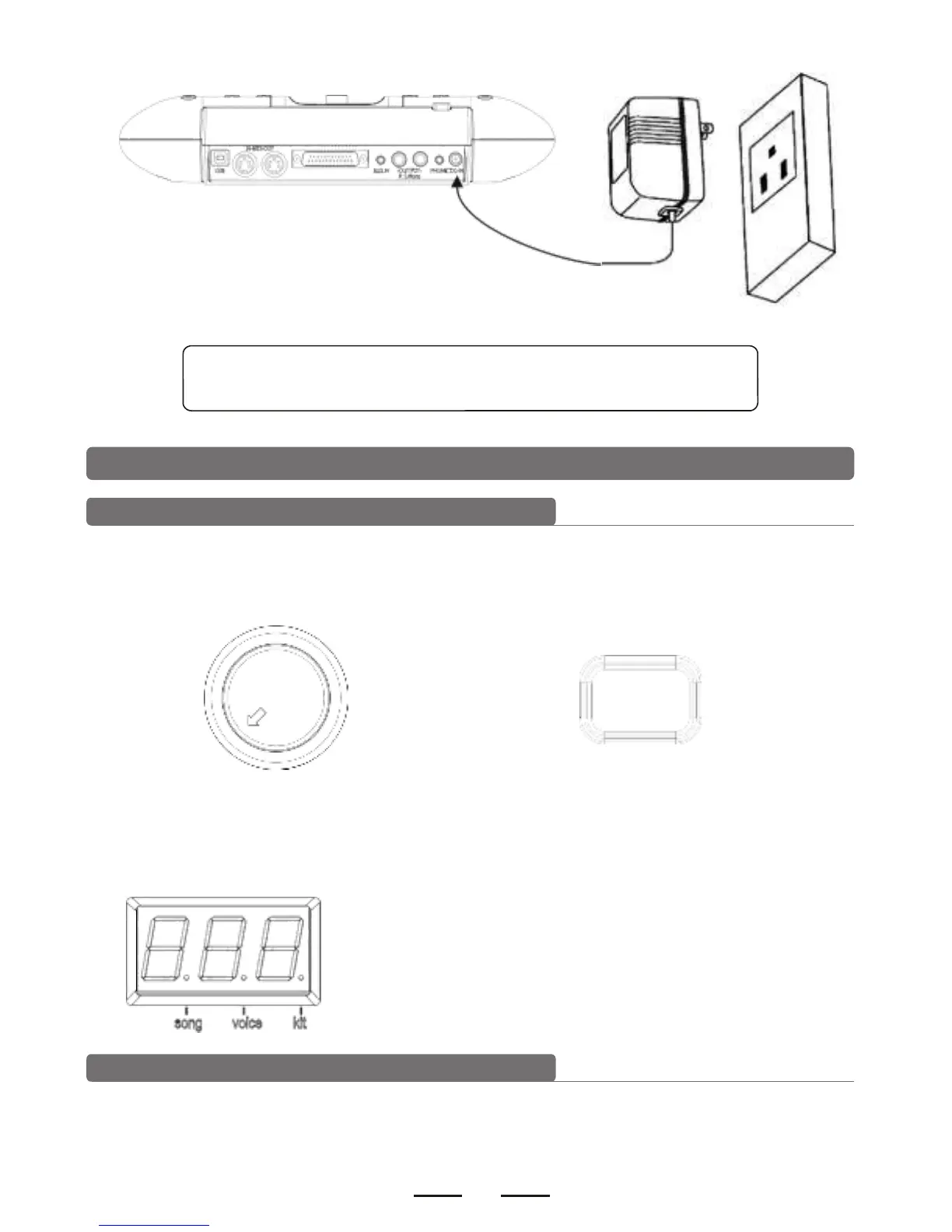
turn off the power switch before connecting with other devices.
5. Operation
Power switch
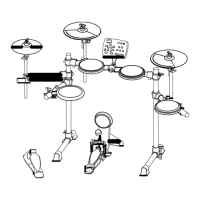
1). Confirm all the cables are connected well, then set the module volume to minimum,
then turn on the power switch.
POWER
- MASTER VOLUME+
2). When the display lights up, enter into the module menu operation (enter into the drum
kit menu when on.
Adjust the master volume
Strike the pads and adjust the volume knob for proper master volume.


 To Next Page