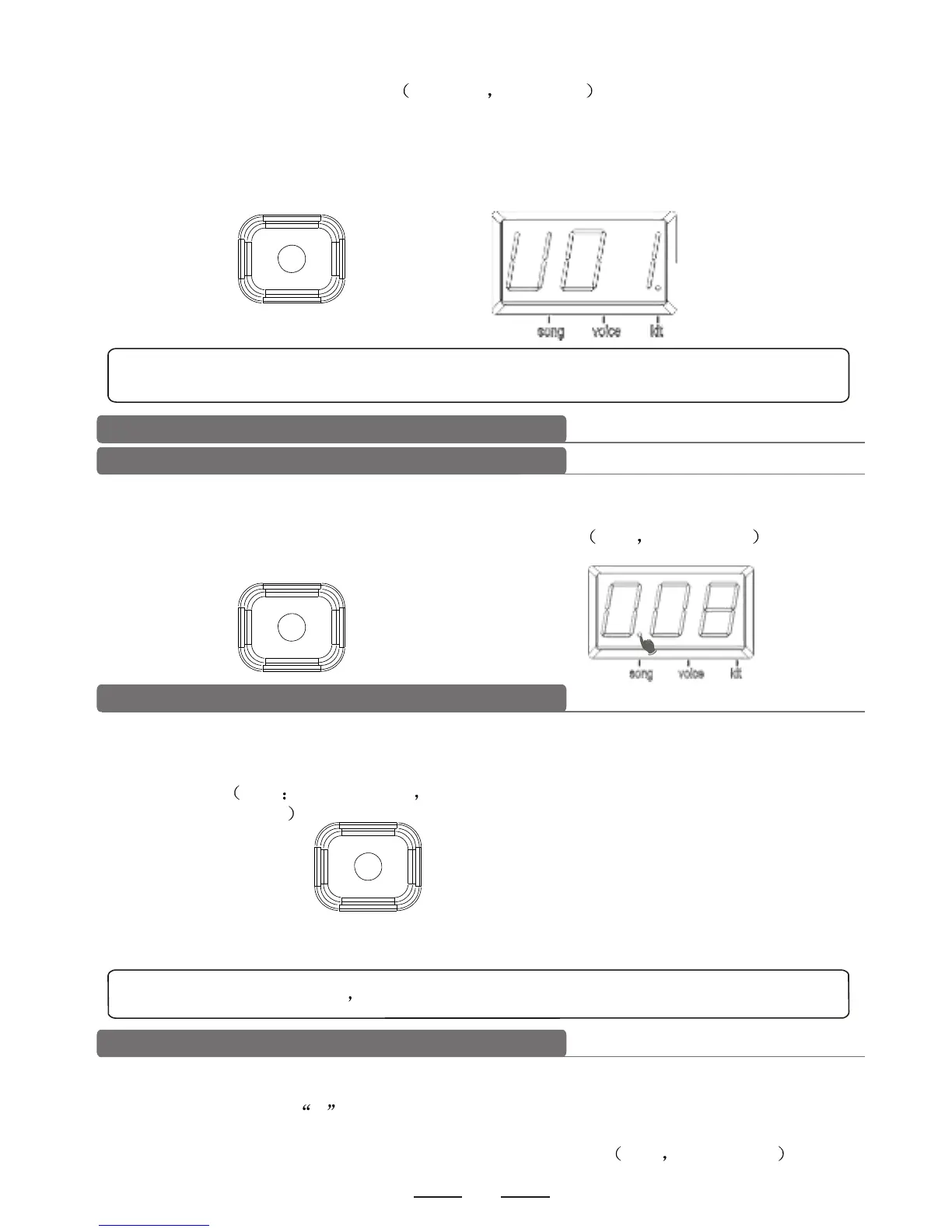
1). In the drum kit menu, press [SAVE] button to enter into user drum kit setting. Use [-DATA+]
button to select the user drum kit U01-U10 non-cycle . During this process, the drum kit
number flashes.
2). Press the pad parameter setting to change the pad tone/volume/pan/tune.
3). Press [SAVE] button once again to save the drum kit setting, and the former drum kits will be
covered by the new drum kit. The drum kit number stops flashing.
SAVE
Note: if the drum kit number has been changed or the power fails before saving, the
former drum kit parameters will be lost.
Song setting
Select song
1). Press [SONG] button to enter into song setting. The display shows the song number. SONG
LED flashes once and then lights off.
2). Use [-DATA+] button to select the current song number 1-20 non-recycle .
SONG
Song playing
1). Press [START/STOP] button to play the selected song. During playing, change the song via
[-DATA+] button.
2). After playing it stops automatically; during playing, press [START/STOP] button two times to
stop playing. Note during playing press [START/STOP] button one time to switch to play
the recorded songs.
START/STOP
Note: during playing user can send real time MIDI signal via MIDI OUT.
Accompaniment volume
During playing, user can adjust the volume of accompaniment and of the drum sound.
1). Press [ACCOMP VOLUME] button to enter into accompaniment volume setting. The
display shows letter A first, and the accompaniment volume value next. SONG LED
lights up.
2). Use [-DATA+] button to adjust the accompaniment volume 0-32 non-recycle .


 To Next Page