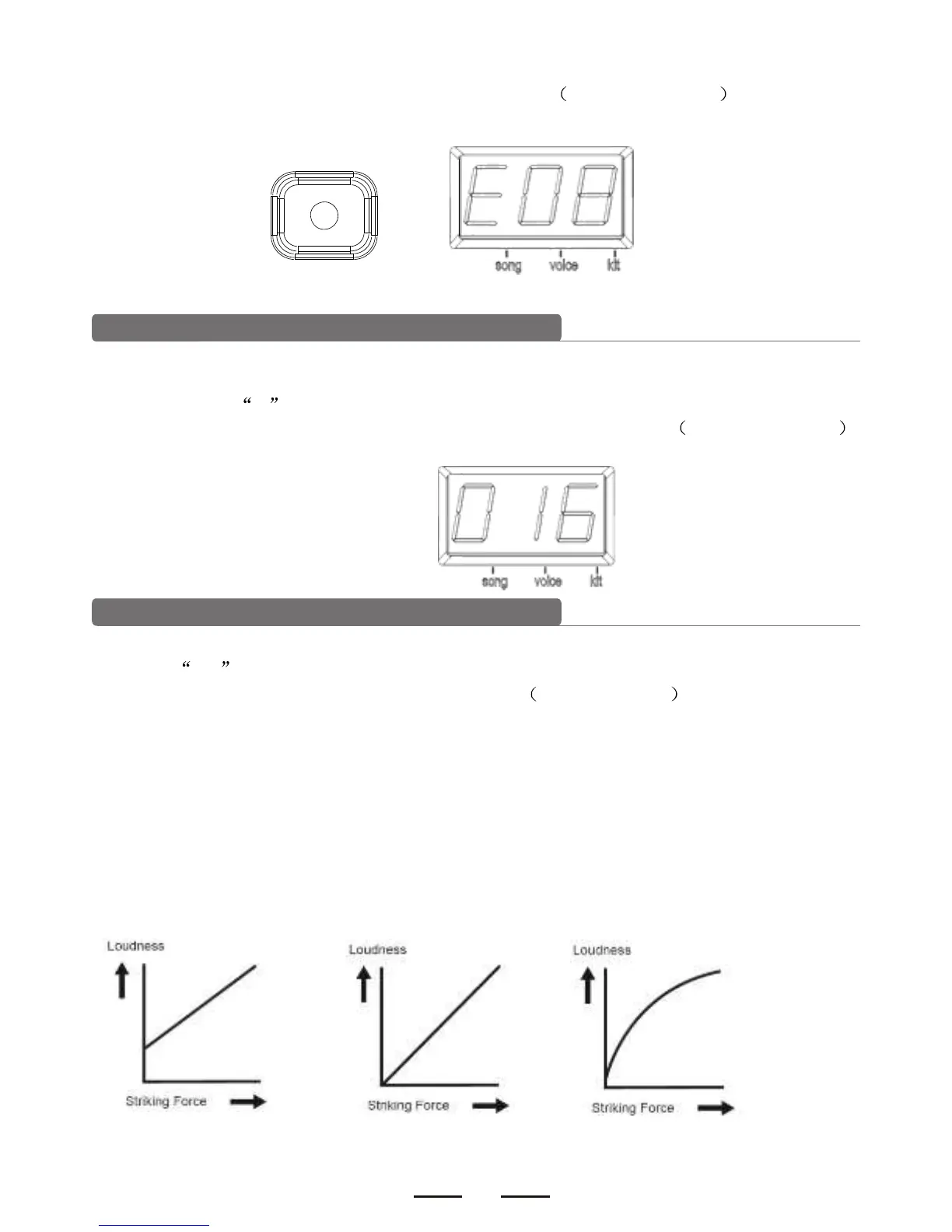
3). Use [-DATA+] button to adjust the trigger sensitivity 01-08,non-recycle . The higher the
value means higher sensitivity.
UTILITY
Crosstalk rejection
Strike a pad (trigger) and the vibration may cause crosstalk.
1). Press [SET UP] button continuously to enter into trigger sensitivity setting. The display
shows letter O first and the crosstalk rejection level next.
2). Use [-DATA+] button to adjust the trigger sensitivity rejection level 01-16,non-recycle .
The higher value means higher rejection level.
Trigger curve
1). Press [SET UP] button continuously to enter into trigger curve setting. The display shows
letter CU first and the trigger curve number next.
2). Use [-DATA+] button to select the trigger curve 1-6,non-recycle . This will change the
relation between force and the loudness.
3). CURVE 1: Small dynamic response. Select this curve and it delivers high but stable volume.
CURVE2: The standard setting to deliver natural signal.
CURVE3: Compared to CURVE2, low striking force causes big volume change.
CURVE4: Compared to CURVE2, comparatively high striking force causes comparatively big
volume change.
CURVE5: Compared to CURVE2, comparatively high striking force causes very big volume
change.
CURVE6: The striking force causes extreme volume change.
CURVE1 CURVE2 CURVE3


 To Next Page