DBL Technology Co., Ltd. GoIP User Manual
www.dbltek.com Technical Support: support@dbltek.com
5.4.12 Reset
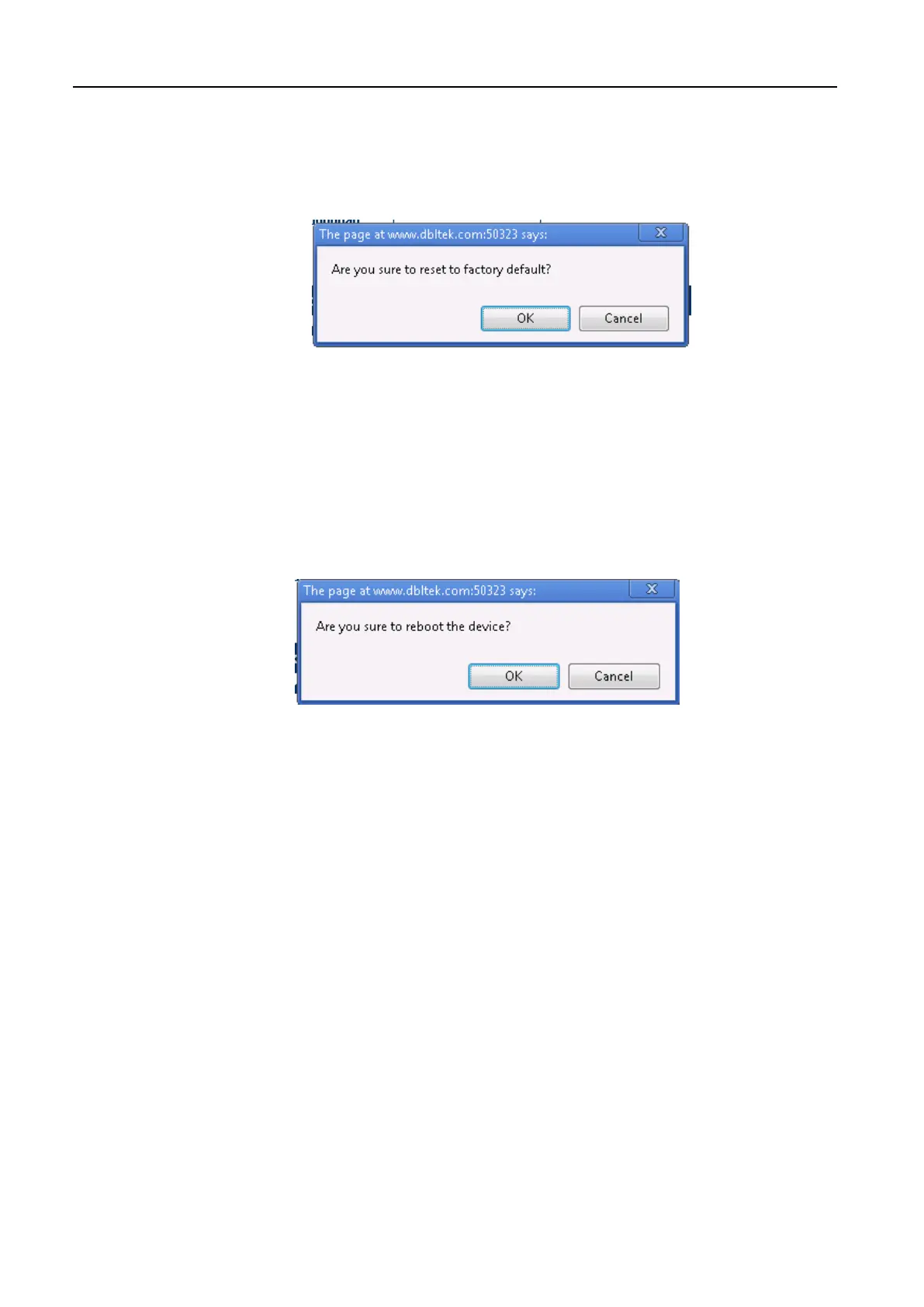
Click [Reset] to reset the device configuration back to the factory default. Click [OK] in the pop up
window shown below to confirm this action.
Click [OK] to reset the device configuration back to the factory default!
5.4.13 Reboot
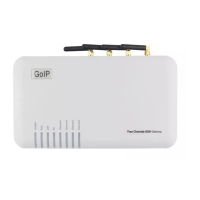
Click [Reboot] to restart the device. Click [OK] in the pop up window shown below to confirm this action.
The reboot process will take couple of mins.
https://arttel.ru/
https://arttel.ru/shop/gsm-shlyuzy/gsm-shlyuz-goip-4


 To Next Page