Software Operation
Section 4
21
Module View Features
While changes to the parameters within the module are instantaneous, every Module View includes the OK
and Cancel buttons to either accept or reject these changes before closing the window. The Module View
also provides the Recycle Icon in the upper right hand corner, allowing the window location to be reused
upon opening a new module.
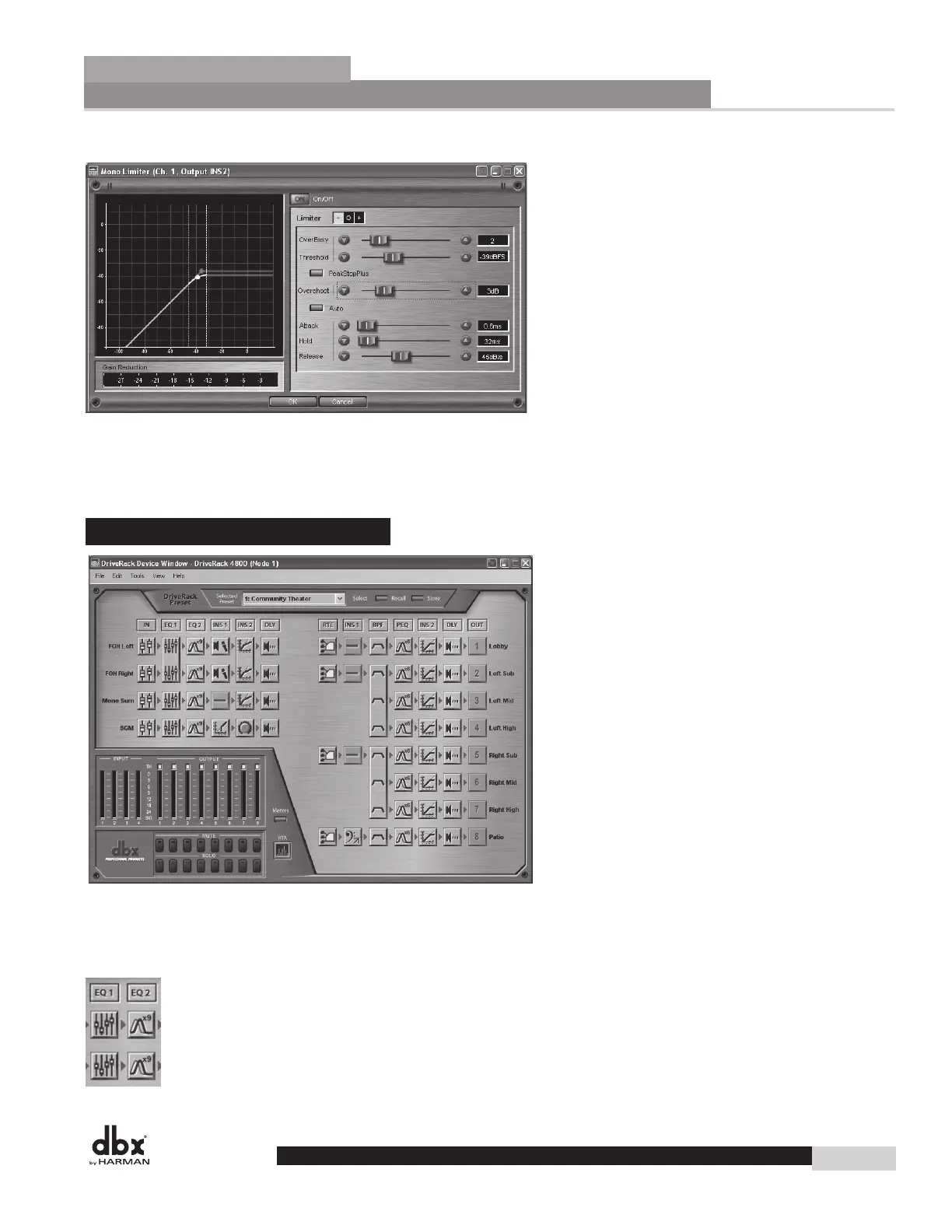
4.3.2 - Device Window
The DriveRack Device View (seen below) is accessed by double-clicking the device icons in System
Architect’s Venue View, and provides access to the processing modules and other features of the DriveRack
4800 or 4820 devices. Like the processing icons, the device icons look like the devices they represent.
DriveRack
®
DriveRack
®
4800/4820 User Manual



 To Next Page