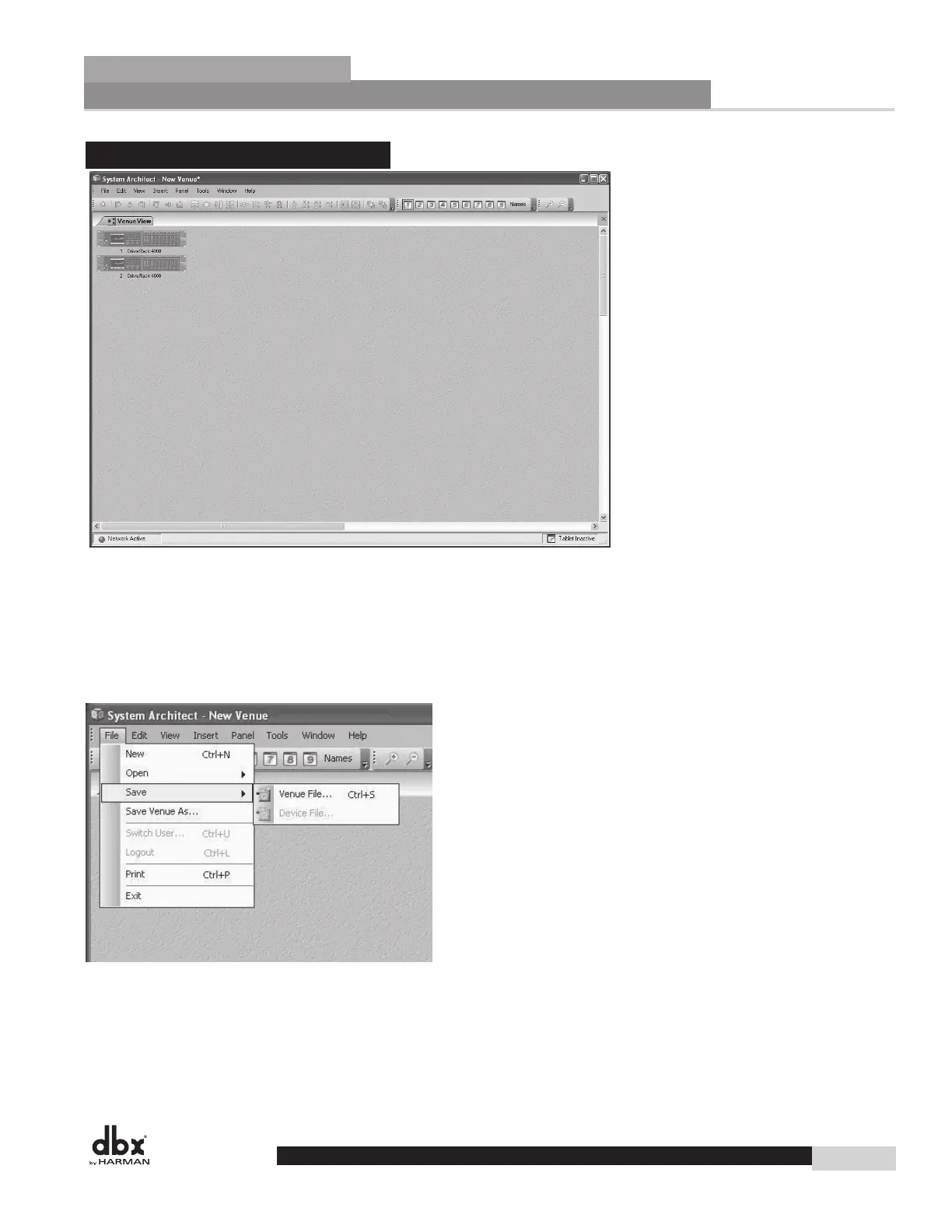
4.3.3 - Venue View
The Venue View is the most encompassing perspective, providing a “global” view of the entire venue or
system. The Venue View provides many features that make System Architect superior in the way that it
provides control of an audio system. Many of these features can be found as elements within pull-down
menus on the Windows Menu of the Venue View. Other features can be found by right-clicking on the
units within the Venue View. For more information about any of these features refer to the Help menu,
found on the Windows Menu of the Venue View.
Venue File Menu
Beginning with the File Menu, the Venue View lets you save and open Venue Files that are complete copies
of the entire system, including every single unit in the venue, their current presets and parameters, as well as
their attributes. Besides saving and opening Venue files, System Architect can also print a list of the devices
in the system and even the parameters within those units. If Manage Roles is set up, the File Menu can log
users out or switch users, providing varying amounts of control for these users.
25
GUI Software Overview
Section 4
DriveRack
®
GUI Software Overview
Section 4
DriveRack
®
Software Operation
DriveRack
®
DriveRack
®
4800/4820 User Manual



 To Next Page