Configuring the DriveRack™/Configuraci
ó
n del Driverack™
Sect/Secc 3
DriveRack
™
25
DriveRack™ User Manual/Manual de instrucciones
• Once you are satisfied with the selected name press, the STORE button
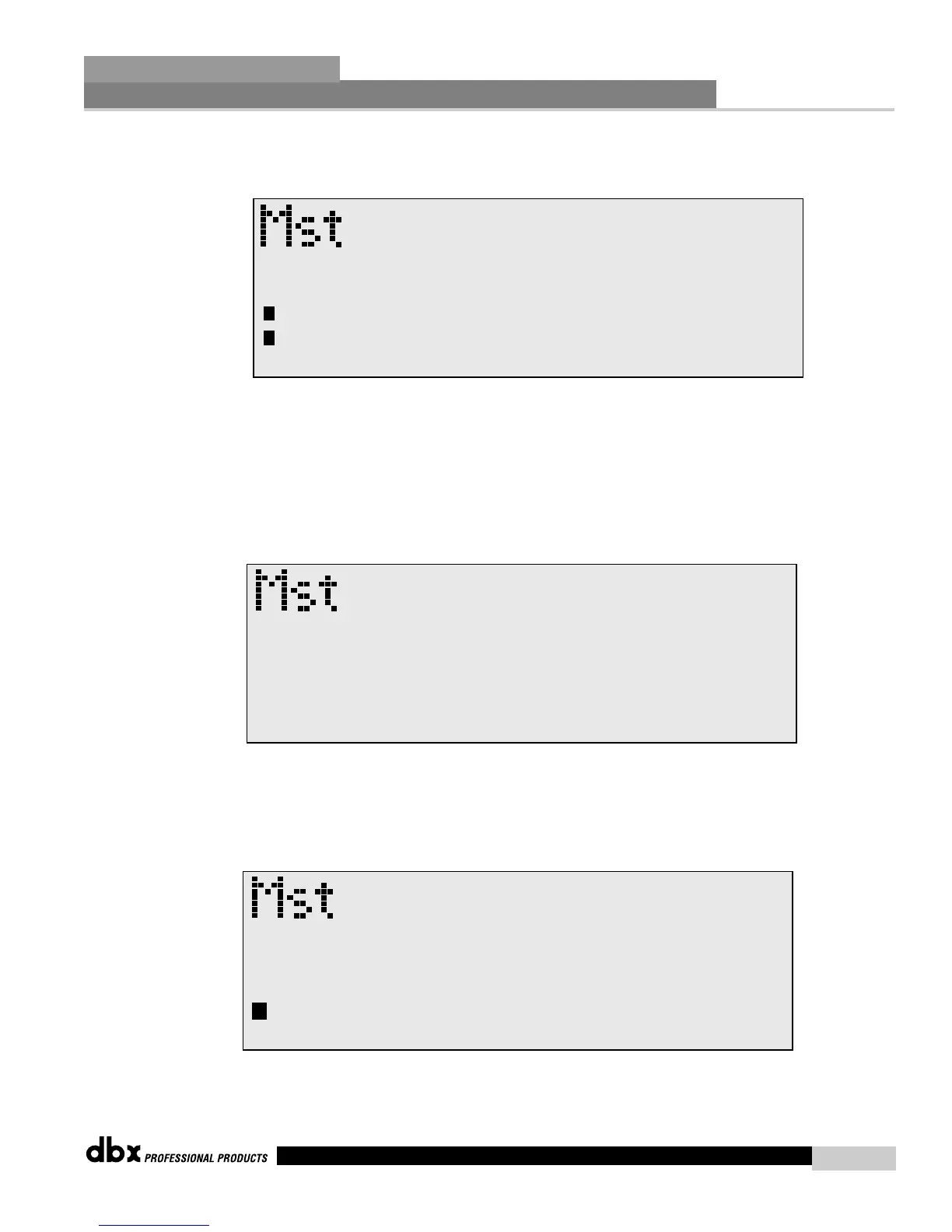
again and the screen will appear something like this:
• If you wish to replace an existing User program, press the
PARAMETER 1 knob and the display will appear as follows:
• Use the Parameter 3 knob to select the USER program to be replaced.
Once the program to be replaced has been selected, press the STORE
button once again and the program will then be replaced.
• To store a program as a new USER program, press the STORE button
and then press the Parameter 2 knob to store as new and the display
will appear as follows:
• At this point, use the Parameter 2 knob to select the position where
the new USER program will be stored.
• Una vez que esté satisfecho con el nombre que haya elegido pulse de
nuevo el botón STORE y la pantalla mostrará algo como esto:
• Si desea reemplazar un programa de usuario ya existente, pulse el
mando PARAMETER 1 y la pantalla mostrará algo como lo siguiente:
• Use el mando Parameter 3 para elegir el programa de usuario a
sustituir. Una vez que haya seleccionado el programa a reemplazar,
pulse le botón STORE de nuevo y el programa será reemplazado.
• Para guardar un programa como un nuevo programa de usuario, pulse
el botón STORE y después pulse el mando Parameter 2 para
almacenarlo como un nuevo programa, tras lo cual la pantalla mostrará
lo siguientes:
• En este punto, use el mando Parameter 2 para elegir la posición en la
que será almacenado el nuevo programa de usuario.



 To Next Page