DriveRack™- User Manual/Manual de instrucciones
From Configuration mode, once changes have been made to the current
Configuration, changes can be saved by pressing the NEXT PG button
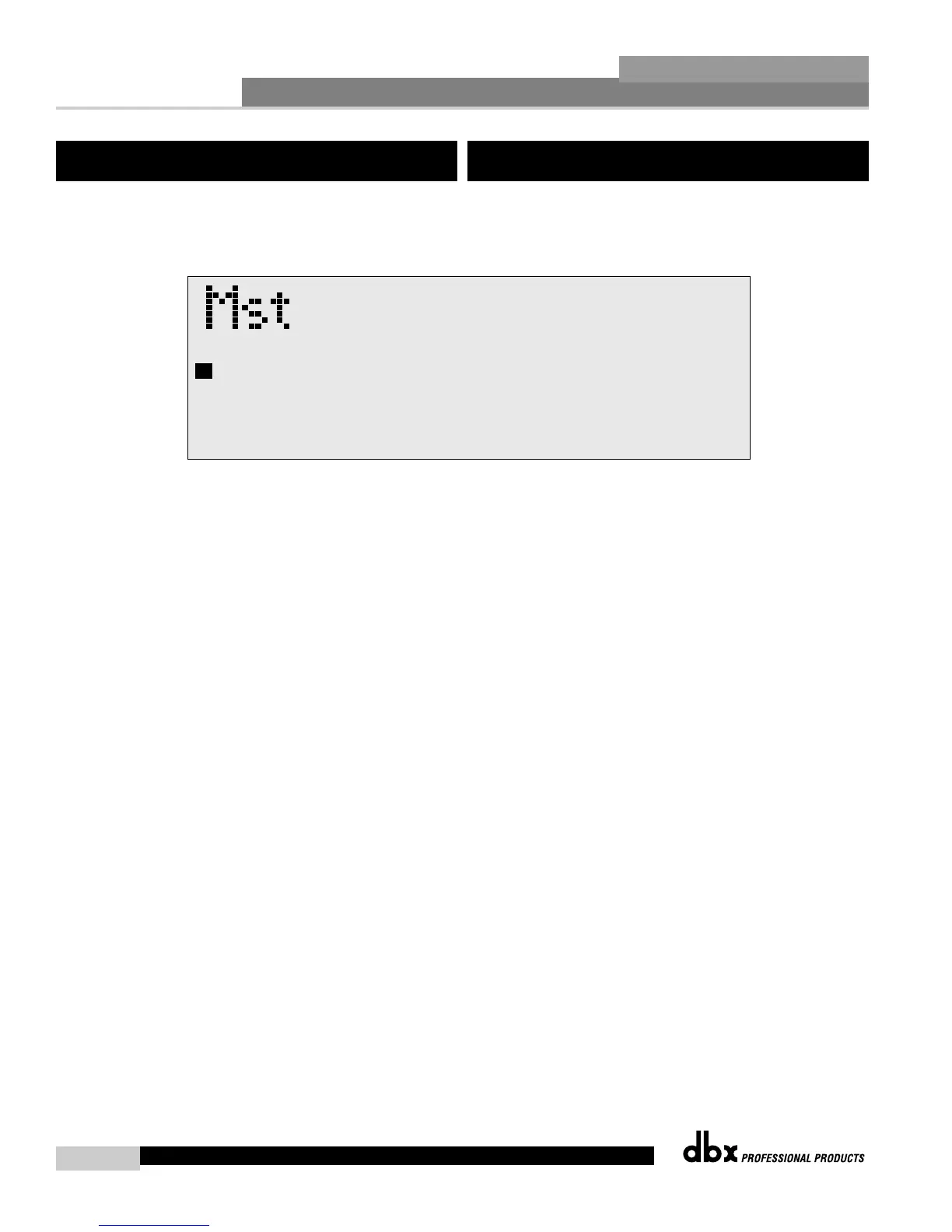
and the display will appear like this :
• If you are satisfied with your Configuration changes, press the
NEXT PG button. If you wish to abort, press the PREV PG button and
the DriveRack™ will return to Configuration mode. Note that if you
press the NEXT PG button to apply the changes, the DriveRack™ will
save the changes and return to Program mode. You will still need to
save the program changes before you move to the next program.
5.2 Saving Configuration Changes
Desde el modo de Configuración, una vez que haya realizado los cambios
que quiera en la Configuración activa, podrá almacenar estos cambios con
solo pulsar el botón NEXT PG; en ese momento la pantalla le mostrará
algo como lo siguiente:
• Si está satisfecho con sus cambios en la Configuración, pulse el botón
NEXT PG. Si quiere cancelar el proceso, pulse el botón PREV PG y el
DriveRack™ volverá al modo de Configuración. Tenga en cuenta que si
pulsa el botón NEXT PG para aplicar los cambios, el DriveRack™
guardará los cambios y volverá al modo de Programa. Entonces deberá
guardar los cambios del programa antes de pasar al siguiente programa
si quiere que todos los cambios de configuración queden ya
memorizados.
5.2 Almacenamiento de los cambios de
configuración



 To Next Page