DriveRack™ - User Manual/Manual de instrucciones
Storing Changes/Almacenamiento de cambios
DriveRack
™
• Use the PARAMETER 3 knob to select the USER program to be
replaced. Once the program to be replaced has been selected, press the
STORE button once again and the program will then be replaced.
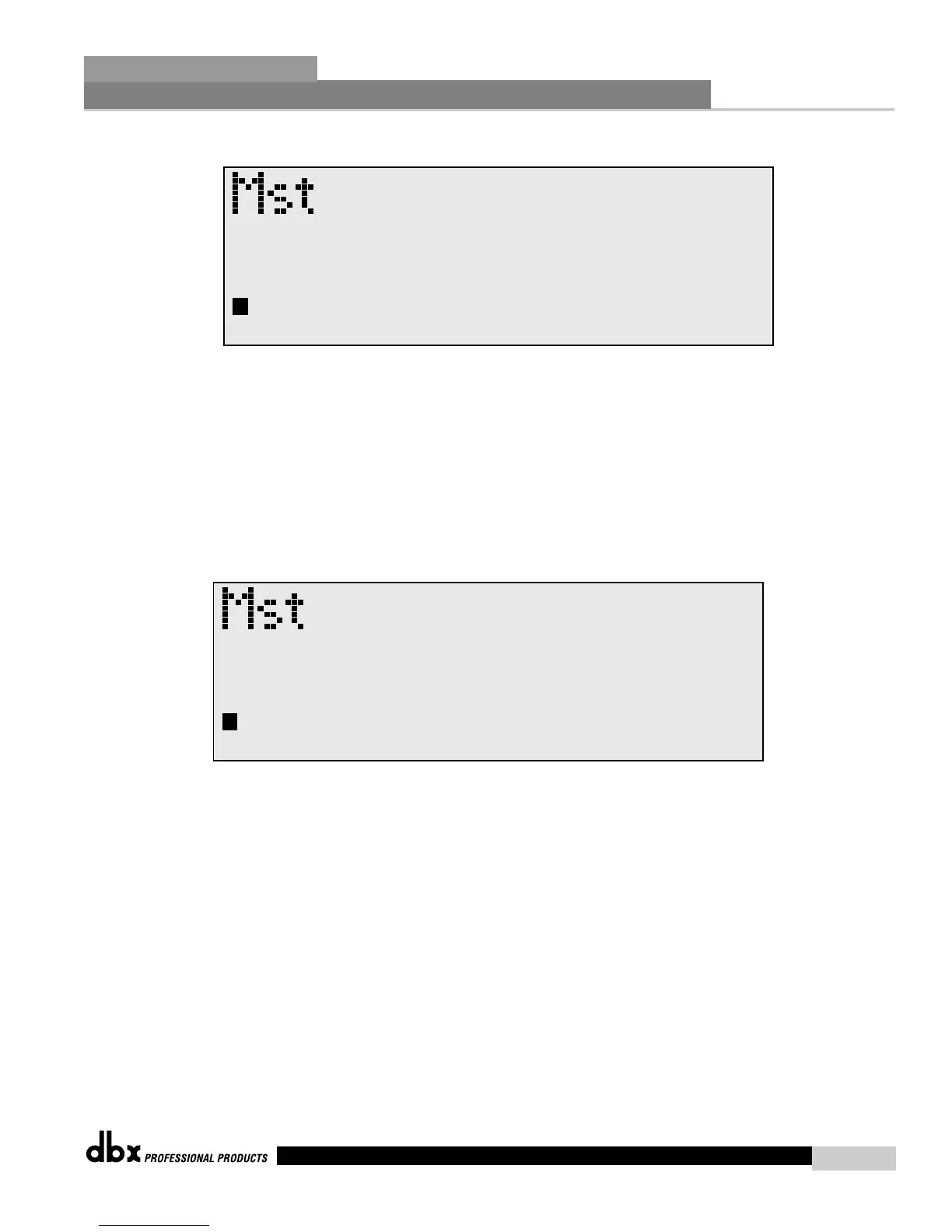
• To store a program as a new USER program, press the STORE button
and then press the PARAMETER 2 knob to store as new and the
display will appear as follows:
• At this point, use the PARAMETER 3 knob to select the position where
the new USER program will be stored.
To abort the save procedure at anytime, simply press the
PROGRAM/CONFIG button.
• Use el mando PARAMETER 3 para elegir el programa de usuario a ser
sustituido. Una vez elegido el programa, pulse el botón STORE de
nuevo y el programa será reemplazado.
• Para almacenar un programa como un nuevo programa de USUARIO,
pulse el botón STORE y después pulse el mando PARAMETER 2 para
almacenarlo como nuevo; la pantalla entonces pasará a tener el siguiente
aspecto:
• En este punto, use el mando PARAMETER 3 para elegir la posición en
la que almacenará el nuevo programa de USUARIO.
Para cancelar el proceso de almacenamiento en cualquier momento,
simplemente pulse el botón PROGRAM/CONFIG.



 To Next Page