28.
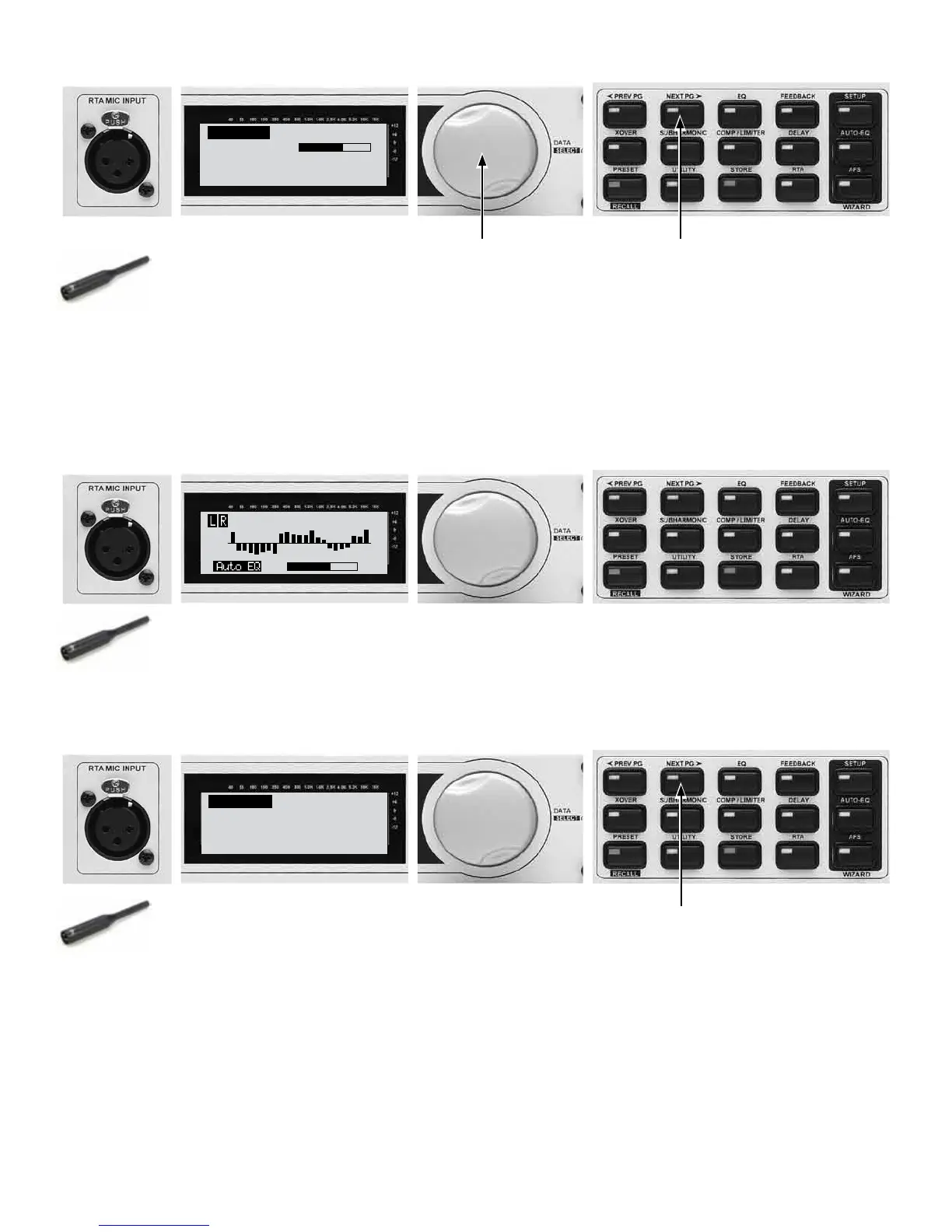
AUTO-EQ Pink Noise
Mic Level
TURN UP LEVEL
Pink Level ˘-InfdB
28A - Turn the Data Wheel until pink noise is playing
through your speakers at performance level (-5 dB to +5
dB). The words “Set to performance level” will appear
in the display when you have passed the minimum
threshold. Set level higher if needed.
NOTE: Don’t clip amps.
28B - Once your performance
level is reached, press the NEXT
PG button.
29.
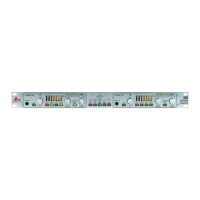
29 - Auto EQ will go through some audible changes as it tunes the
speakers to the room. This may take several minutes.
30.
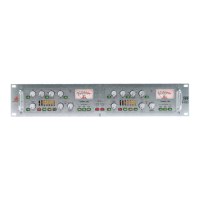
AUTO-EQ Complete
<NEXT PG> to advance
30A - Auto EQ will complete or finish sending
pink noise once it has come as close as possible
to matching the response you selected earlier.
30B - Press the NEXT PG button to
begin the AFS Wizard.



 To Next Page