1.
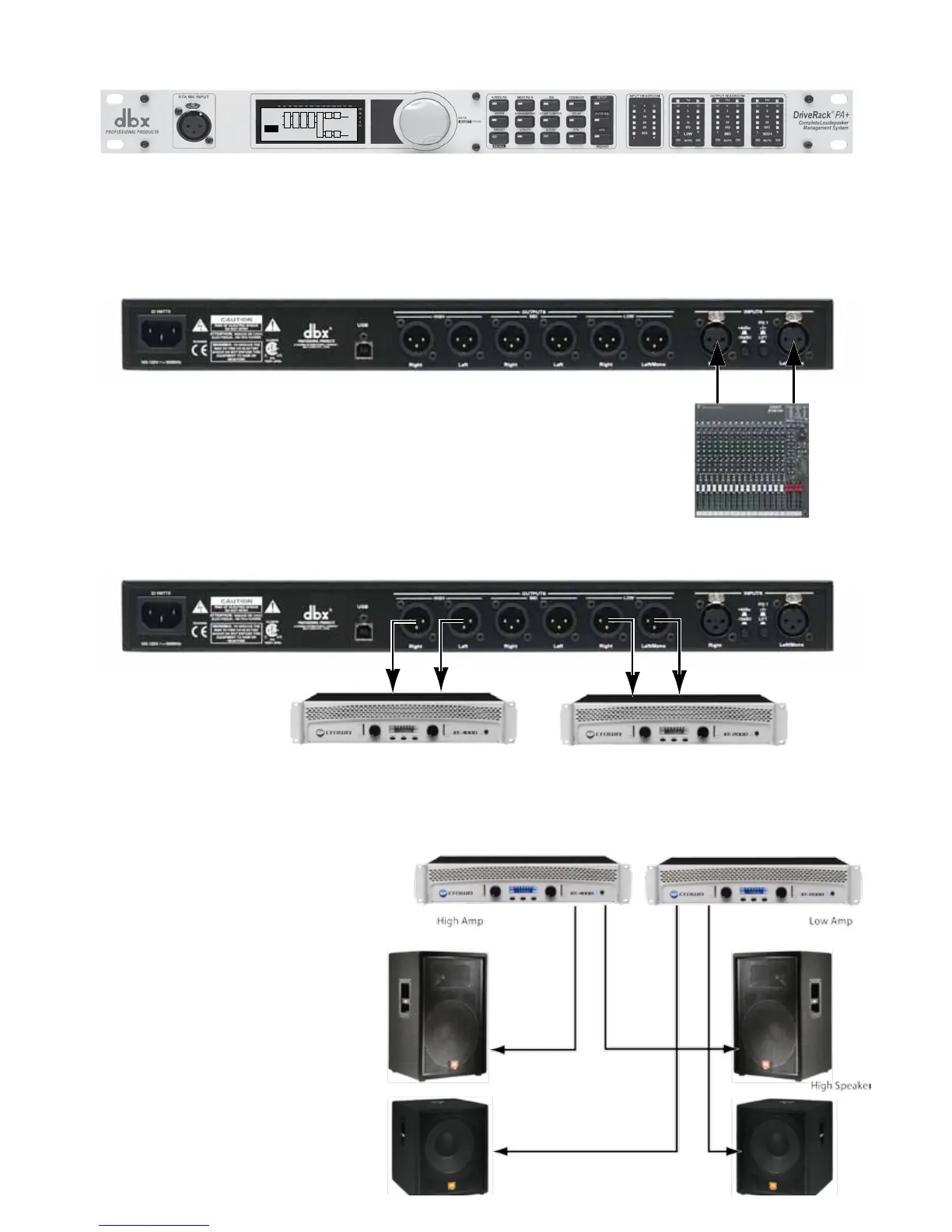
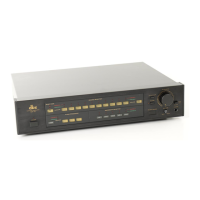
Remove the DriveRack PA+ from its box.
Rack mount the DriveRack PA+ and connect power cable.
L
P L
R
C
F
B
S
U
B
Stereo 2Way
1
USER
G
P L
LH
RH
LL
RL
X
2.
Connect the console Left and Right outputs to the DriveRack PA+
inputs.
3.
Low Amp
High Amp
4.
Connect the High Amplifier left and
right outputs to the High left and
High right speaker inputs as shown.
Connect the Low Amplifier left and
right outputs to the Low left and Low
right speaker inputs as shown.
Connect the DriveRack’s Left and Right High outputs to the inputs of the High Amp and the Left
and Right Low outputs to the inputs of the Low Amp.



 To Next Page