5.
L
P L
R
C
F
B
S
U
B
Stereo 2Way
1
USER
G
P L
LH
RH
LL
RL
X
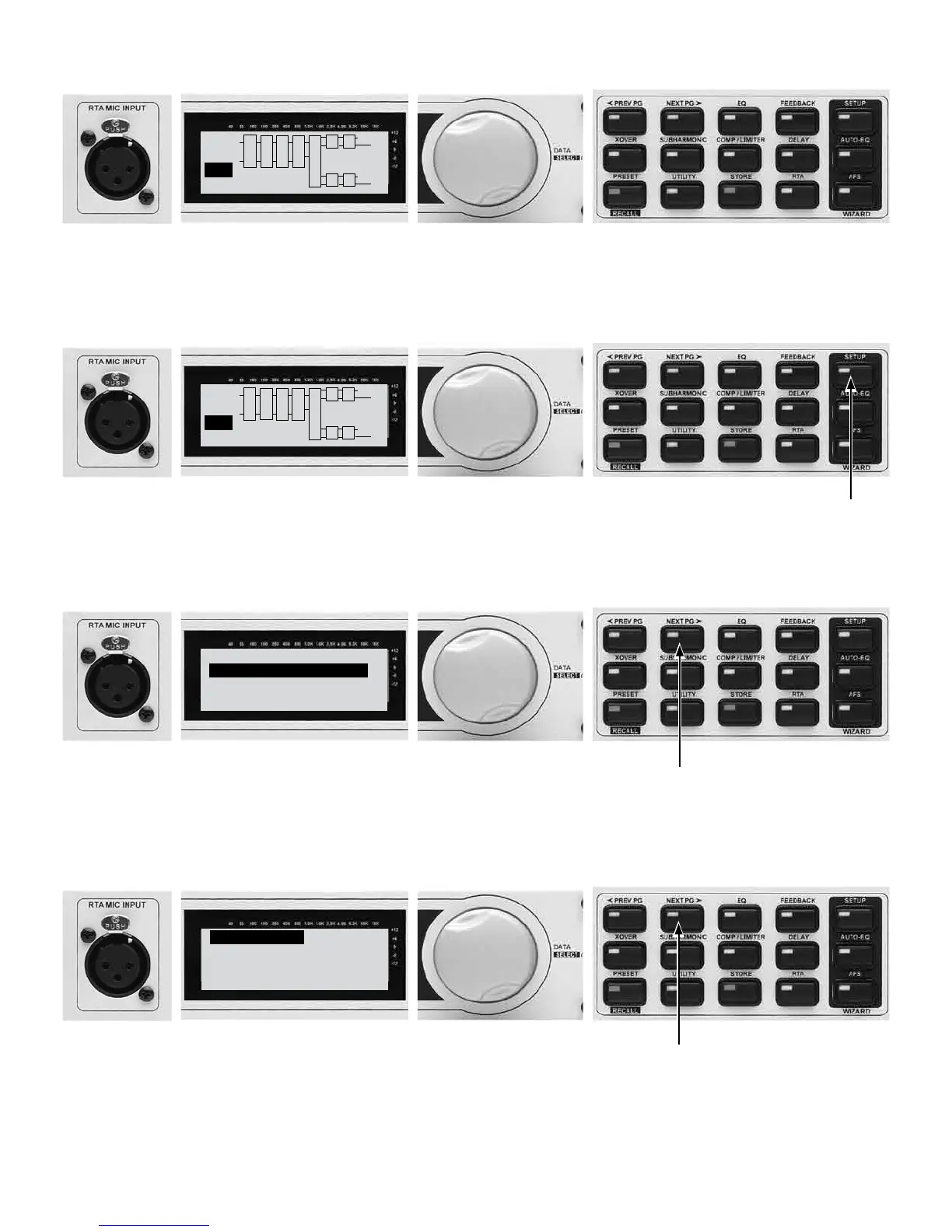
5A - Turn on the console. Turn the console master faders down.
5B - Turn on the DriveRack PA+.
5C - Turn the amplifiers on with left and right channels all the way down.
6.
L
P L
R
C
F
B
S
U
B
Stereo 2Way
1
USER
G
P L
LH
RH
LL
RL
X
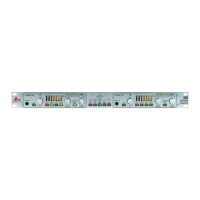
6A - Now let’s create a system design to match your speakers. This system
is designed around the JBL JRX-100 series speakers with Crown XTi
amplifiers for illustraction purposes.
6B - Press and hold the
Setup Wizard button.
7.
DriveRack PA+
SYSTEM SETUP WIZARD
<NEXT PG> to advance
<RTA> skips SETUP
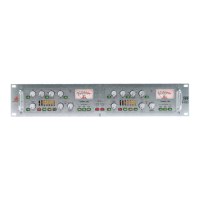
7B - Press the NEXT PG button.
7A - The System Setup Wizard page appears. Press the NEXT PG button to
advance through system setup. Press the RTA button to skip setup and
move directly to the Auto Level Wizard. This is only used for subsequent
setup with sound systems with speaker, amp, and levels previously set.
8.
Input Setup
Select Input as MONO
or STEREO
˘STEREO.
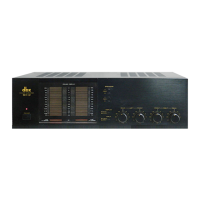
8A - Turn the Data Wheel to select between MONO and STEREO
(Stereo typical).
8B - Press the NEXT PG button.



 To Next Page