9.
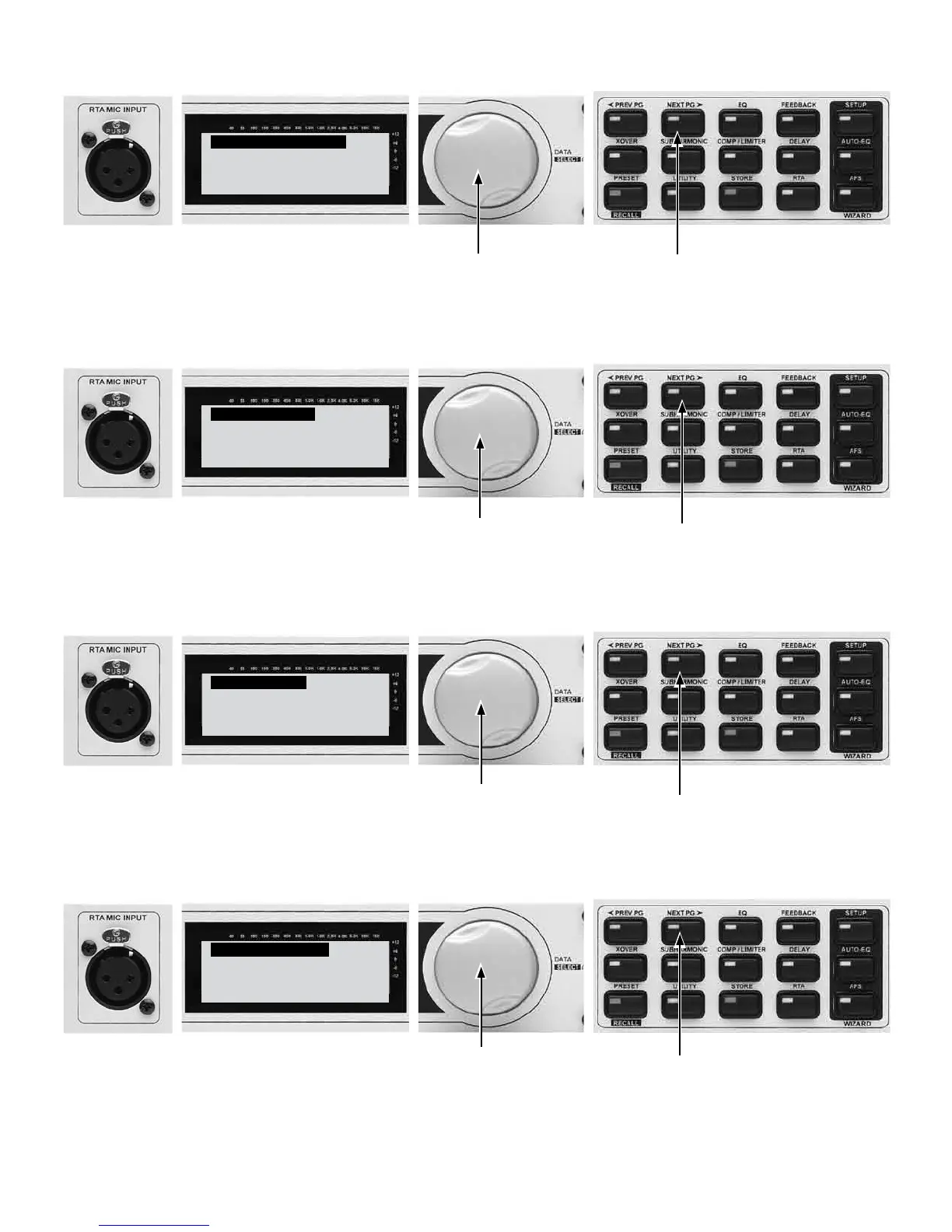
Graphic EQ Setup
Select GEQ as DUAL
MONO or STEREO.
˘STEREO LINKED
9A - Turn the Data Wheel to select between DUAL MONO
and STEREO Linked Graphic EQ. (Stereo Linked typical)
9B - Press the NEXT PG button.
10.
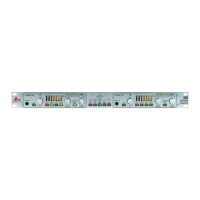
Main Speaker
Select Main PA
JBL JRX100
˘JRX115 Passive
10A - Turn the Data Wheel to select your speaker
manufacturer and model. For this example we have
selected the JBL JRX115 in passive mode.
10B - Press the NEXT PG button.
11.
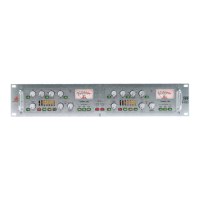
Sub Speaker
Select Sub PA
JBL JRX100
˘JRX118S Stereo
11A - Turn the Data Wheel to select your Sub speaker
manufacturer and model. For this example we have
selected the JBL JRX118S in Stereo.
11B - Press the NEXT PG button.
12.
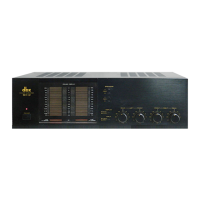
High Amplifier
Select an amplifier
Crown Xti
˘Crown Xti 2000
12A - Turn the Data Wheel to select your High speaker
amplifier manufacturer and model. For this example we have
selected the Crown XTi2000.
12B - Press the NEXT PG button.



 To Next Page