Menu
icon
Filter Description
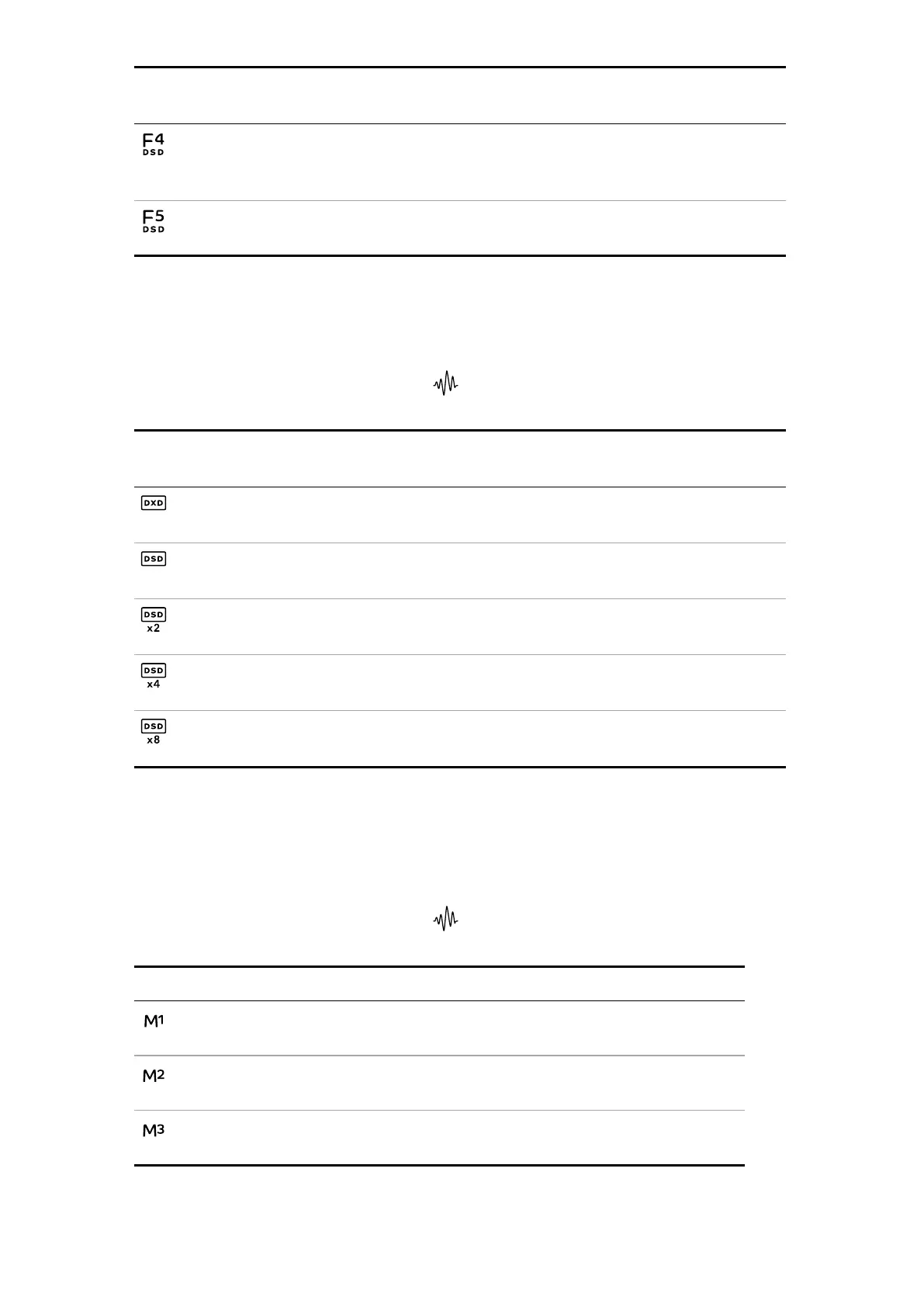
Filter4 Recommended for troubleshooting only.
Sharply reduces the out-of-band noise and limits the bandwidth to
25kHz
Filter5 Has a relaxed roll-off with a smoother phase response.
Removes much of the out-of-band noise.
Changing the PCM to DSD conversion mode
Conversion mode is a personal choice.
1. On the player screen of the app, select .
2. Select the conversion mode you want to apply.
Menu
icon
Conversion
mode
Description
DXD The system uses its standard PCM oversampling process for PCM
data.
DSD The system adds a DSD upsampling step before the end of the PCM
oversampling process.
DSDx2 The system adds a DSDx2 upsampling step before the end of the
PCM oversampling process.
DSDx4
The system adds a DSDx4 upsampling step before the end of the
PCM oversampling process.
DSDx8
The system adds a DSDx8 upsampling step before the end of the
PCM oversampling process.
Changing the Mapper
Mappers control how data is presented to the Ring DAC. Mapper selection is a personal
choice. Varèse includes three Mapper designs.
1. On the player screen of the app, select .
2. Select the Mapper you want to apply.
Menu icon Mapper Description
Mapper1 The default Mapper design.
This Mapper drives the Ring DAC at either 5.644 or 6.14MHz.
Mapper2 The classic Mapper design, used on earlier dCS products.
This Mapper drives the Ring DAC at either 2.822 or 3.07MHz.
Mapper3 An alternative Mapper design.
This Mapper drives the Ring DAC at either 5.644 or 6.14MHz.
Configuring Varèse
Varèse User Guide
17



 To Next Page