Selecting a Trigger Mode
Selecting a Trigger Mode
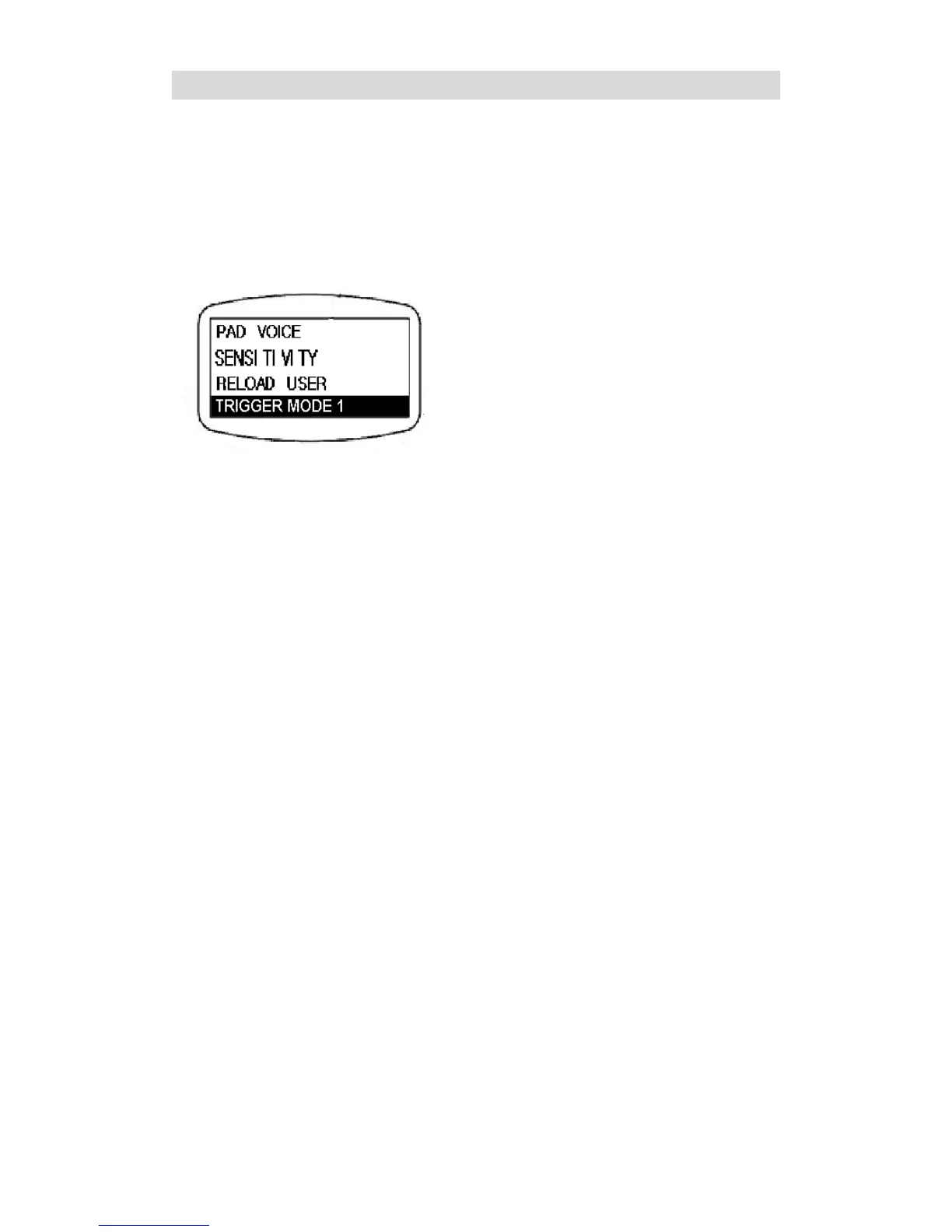
To change trigger mode for the drum kit,
highlight the DRUM KIT option on the main
LCD display page and press the SETUP
button to enter the submenu as illustrated
below.
When the TRIGGER MODE 1 option is
highlighted, press the left/right button to
choose between TRIGGER MODE 1 and
TRIGGER MODE 2. The default select will
be TRIGGER MODE 1.
“TRIGGER MODE 1” is for playing on Drum
Pads. “TRIGGER MODE 2” is for External
Drum Triggering.


 To Next Page