Quick Start
Setup
Connections
Connecting Pads and Pedals
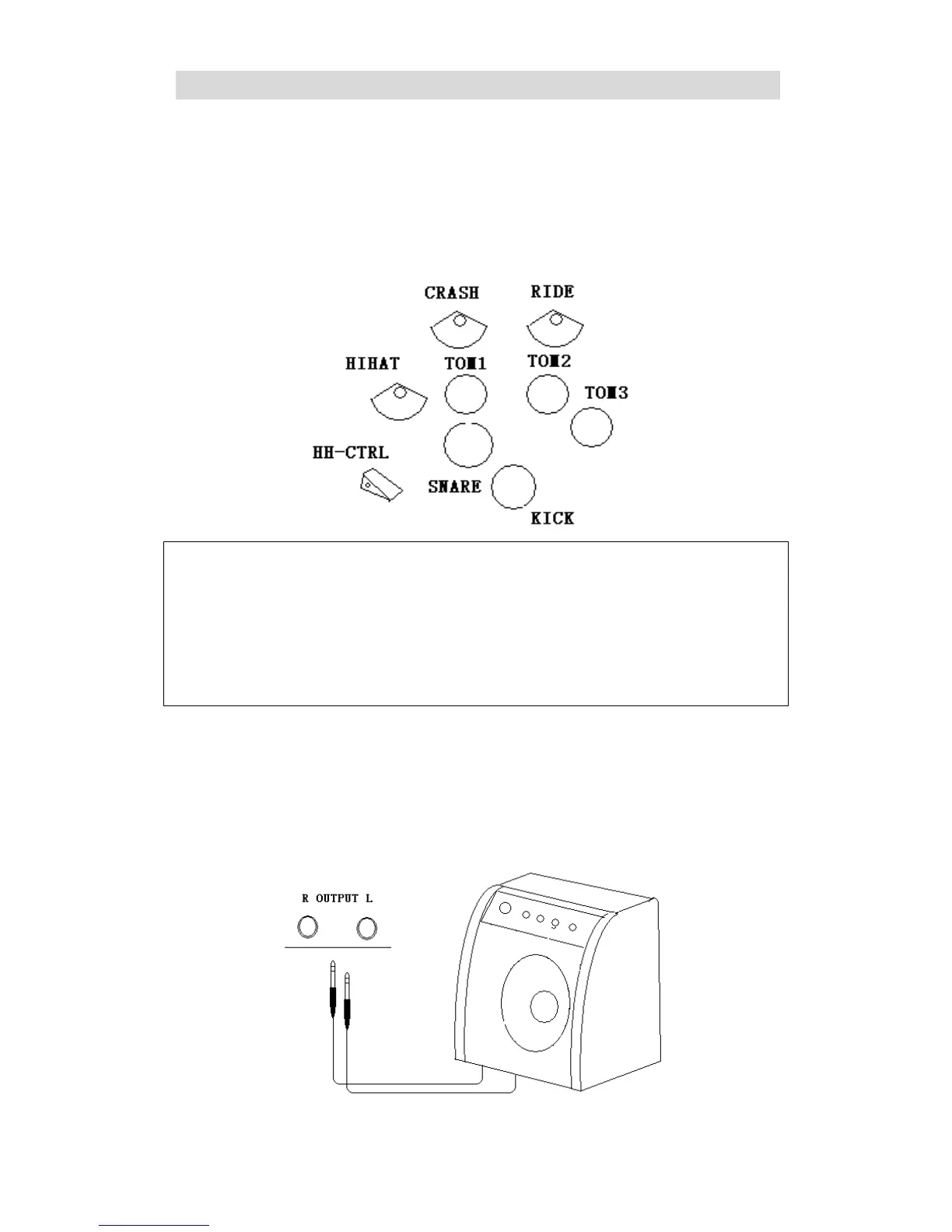
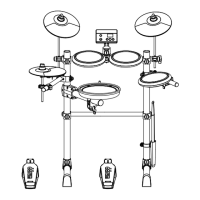
Connect each pad and pedal to the jacks on the rear panel as labeled.
Notice:
We strongly recommend using the cables supplied by us to avoid any irregular operation while
using the module.
Please check the cable connection when below situation occurs:
1. If only the rim sensor Triggers or if the pad has to be hit hard to trigger a sound.
2. The Crash or Ride pad triggers a very short sound
3. The hi-hat pedal sound triggers constantly
Connecting a Headphone
The headphone jack is on the left side of the module, it’s a standard 6.35 stereo jack. Users can use
their own headphone set or choose our standard set for better sound quality.
Connecting to an Amplifier
Connect to the Output R/Output L jacks as illustrated below


 To Next Page