Design Transfer and Compatibility54
Design Transfer to the bernette 340 Deco
The bernette 340 Deco can read all BERNINA design cards. To run
non licensed designs from BERNINA CD you require BERNINA
Embroidery Software or OESD Explorations Software which can be
used to convert the .ART files and write them onto an ATA Personal
Design Card or USB Stick. Please note, that licensed designs on CD
cannot be transferred to the Deco 340.
Most other brand cards and designs on the market can be used by
converting these files or cards through optionally available PC
software and accessories.
To write modified designs back from the Deco 340 a USB Stick or an
ATA Personal Design Card (= artista 200 Personal Design Card) can
be used.
Technical Notes:
On USB Sticks as well as ATA Personal Design Cards files for the
Deco 340 must be stored in a folder named «..:\EmbF5». This folder
is automatically generated when a file is saved on the Deco and / or
through Bernina Embroidery Software («Card/Machine Write»).
Further this folder is automatically generated when the USB Stick or
Personal Design Card is formatted on the Deco 340. The USB Stick
also allows the use of one level of subdirectories in the :\EmbF5
folder.
Media
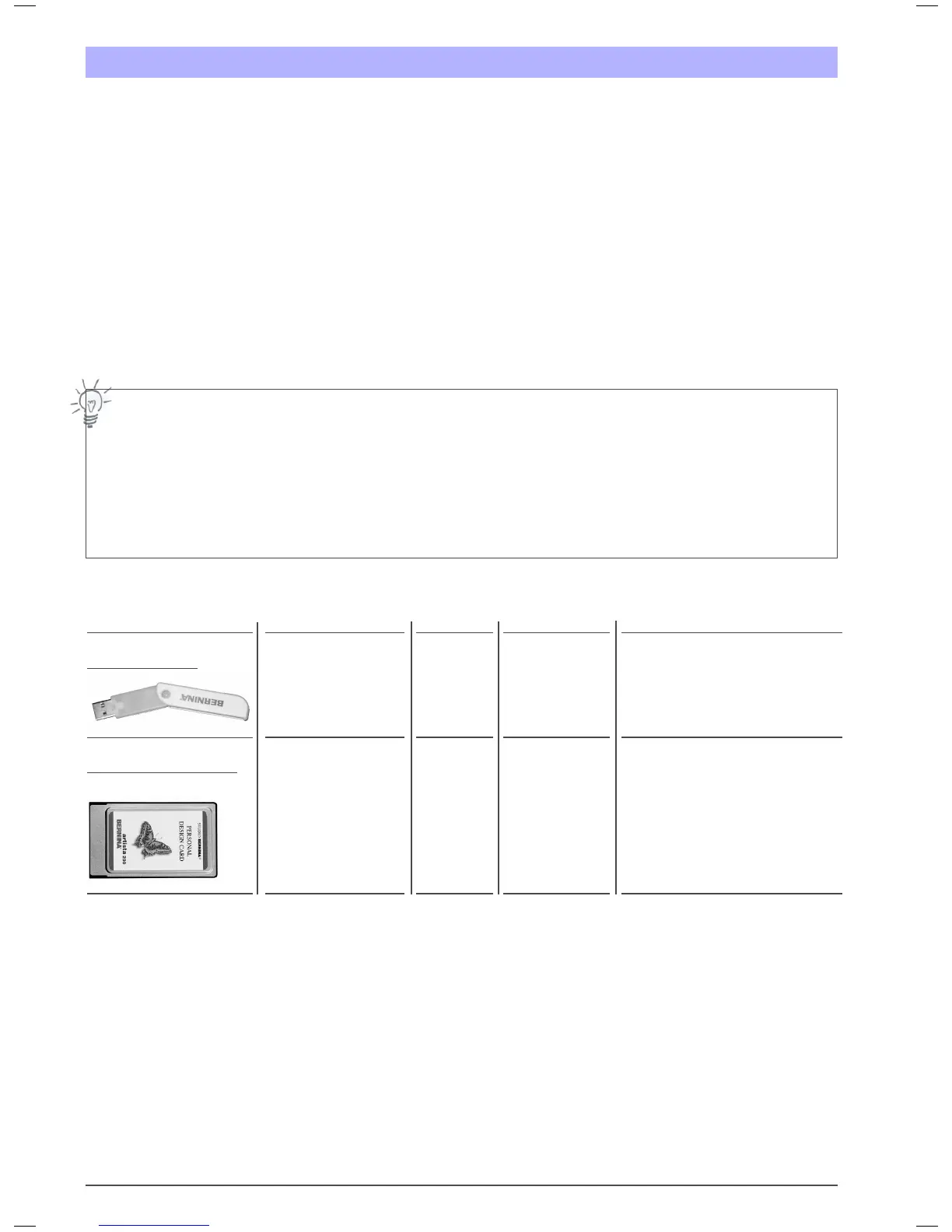
USB Memory Stick
1)
ATA Personal Design Card
1)
(= artista 200 PDC)
Capacity (Designs)
not limited
depending on actual memory
size and handling considerable
slower if many files in folder
not limited
depending on memory size
Notes
Preferred Media
Files for Deco must be stored in a folder
..:\EmbF5 or any subfolder 1 level
underneath
Preferred Media
Files for Deco must be stored in a folder
..:\EmbF5
Function on Deco
Read / Write
Read / Write
Important Note about Design Copyrights:
All designs have a copyright. It is up to the artist of the design as to which extend he is allowing you to use the embroidery design files you have
purchased. Please refer to the copyright information provided with the design collection or contact the design distributor if you are unclear as to what
rights you have with the embroidered designs and design files. You could be violating federal law if you copy files unauthorized or if you sell products
with embroidered with licensed designs.
Further general information about copyright can be obtained from Embroidery Software Protection Coalition (ESPC), which is a non-profit group of
embroidery software and design manufacturers, whose purpose is to defend the integrity and quality of embroidery products by promoting copyright
compliance. This company can be reached at www.embroideryprotection.org or toll free in the US at 1-888-921-5732.
Memory Media Overview
File Type(s)
.EXP+, .(ART)*
.EXP+, .(ART)*


 To Next Page