• Starting a cooking programme
For cooking using circulating heat or turbo
grill:
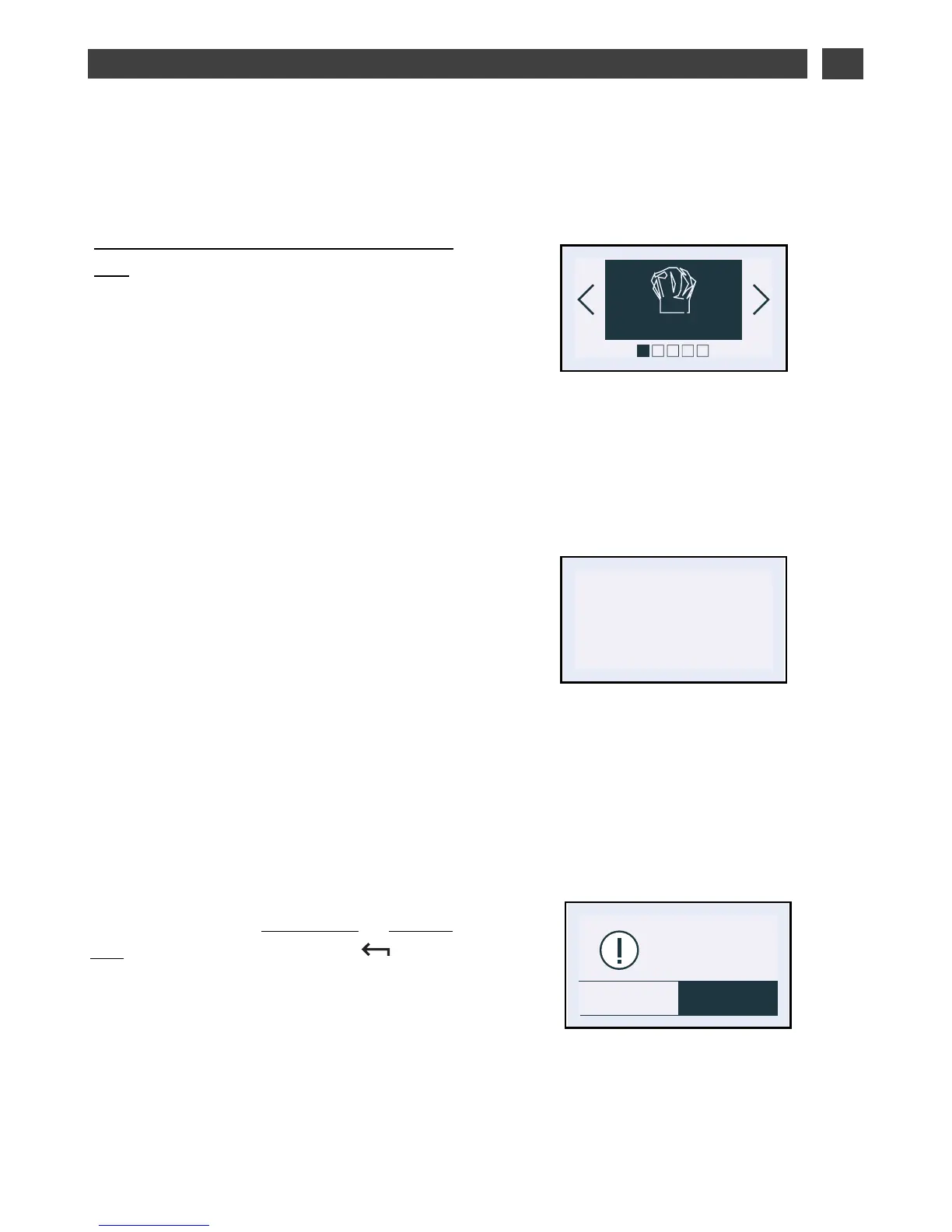
When cooking begins, the following screen is
displayed, indicating that the oven is in rapid
heating mode (Booster). You can monitor the
progress of the temperature rise in the oven
by looking at the shading in the arrow.
The current oven temperature is indicated on
the left and the recommended temperature is
displayed on the right.
Once this temperature has been reached, the
oven goes into cooking mode.
• End of cooking:
Cooking with set cooking time:
The oven turns off automatically and beeps
for 2 minutes.
Press OK to stop the beeps.
An animated display wishes you “Bon
Appétit”!
• Cancelling during cooking
To stop cooking in progress, press and hold
the STOP button.
• Altering cooking in progress
You can change the temperature or cooking
time at any time by pressing the button.
Select the “Modify” field and change the
settings by pressing < or > then confirming.


 To Next Page
 Loading...